
The Magus Circle · Platforms · Platform
The Magus Circle Mobile — Android, iOS and Where the Game Runs
The Magus Circle mobile guide: whether Android or iOS versions exist, the platforms the game actually runs on, device support and the specs you need.
Which Platforms The Magus Circle Runs On
The Magus Circle is a desktop release: Windows, macOS and Linux on Steam, all three from the September 24, 2026 launch, by developer and publisher By Witchlight. That platform spread is wider than most indie roguelites get on day one — a native macOS build with Apple Silicon support and a Linux build with a SteamOS 3 minimum spec are both documented, not promised.
| Platform | Status | Documented detail |
|---|---|---|
| Windows | Released September 24, 2026 | Minimum Windows 7 SP1 or later, 4 GB RAM, DX10-class graphics, 500 MB storage |
| macOS | Released September 24, 2026 | Minimum High Sierra 10.13 or later on Apple Silicon or x64; Metal-capable graphics |
| Linux | Released September 24, 2026 | Minimum SteamOS 3, AMD Aerith four-core eight-thread class CPU, 4 GB RAM, 2 GB storage |
| Android | Not released | No Android build in the official app details or store page |
| iOS | Not released | No iOS build in the official app details or store page |
| Consoles | Not announced | No PlayStation, Xbox or Switch listing in any source |
Is There an Android or iOS Version?
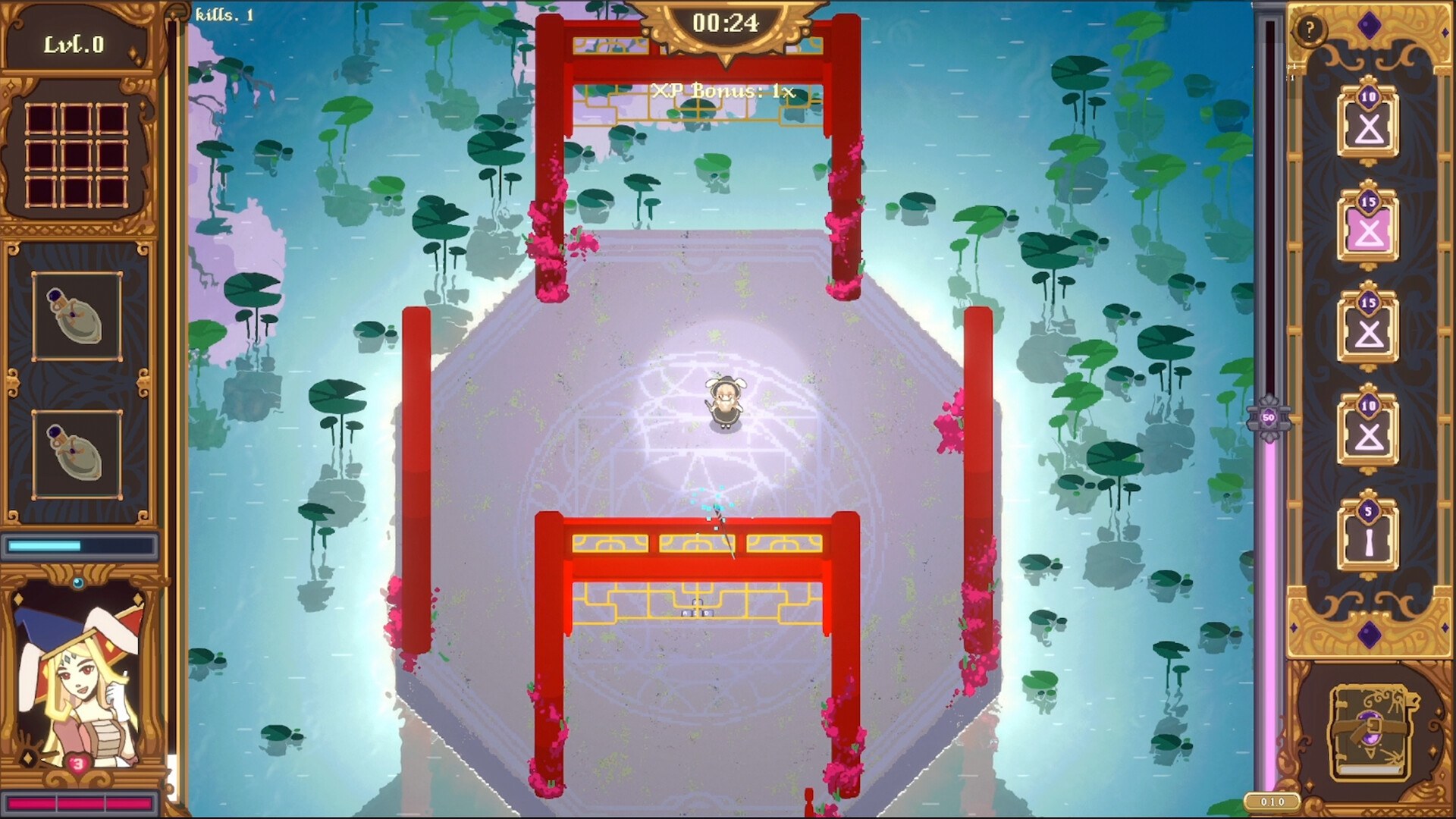
No. The official app details answer the question directly — Windows, macOS and Linux are marked true and there is no mobile platform field, no mobile store link and no mention of phones anywhere on the store page. The game is also built around drawing a glyph with some precision, which is the part a desktop release makes sense for, and nothing in the official material describes a touch-first mobile build.
The noise around a mobile version comes from search behaviour and from aggregator pages rather than from the studio, and it is worth separating the two:
- The autocomplete demand for a mobile or Android version exists, which is why this page exists, but demand is not a release.
- TapTap carries a The Magus Circle listing page. It is an aggregator entry: no build is offered, the review section says the game has not received enough ratings to display a summary, and the page's own button is a pre-register link that points at the Steam store page.
- The TapTap copy is out of date compared with the current store page — it quotes over 250 unique upgrades and over 10 challenges, while the live store page now states 600 possible upgrades — which is another sign that the listing was not maintained by the developer.
- No Google Play or App Store listing for the game appeared in any source read for this page.
If a mobile version ever happens, the first place it will show up is the official store page, where a platform row would be added, and then the studio's own channels. Until then, anyone offering an Android package for this game is not offering the game.
How You Play: Mouse, Tablet, Touch and Controller
Input is a platform question here, because the game is drawn rather than buttoned. The store page lists four supported devices and ranks them: mouse, drawing tablet and touch screen are the recommended ways to play, and controllers are supported with the caveat that you should use the game's accessibility settings for them.
| Device | Supported | What the store page says |
|---|---|---|
| Mouse | Yes, recommended | The default and the setup used in most gameplay footage |
| Drawing tablet | Yes, recommended | Microsoft Ink must be disabled for your drawings to register |
| Touch screen | Yes, recommended | Listings describe touch as a first-class way to draw |
| Controller | Yes | Recommended together with the slow or freeze time while drawing option, or the button press mode |
| Phone or tablet as a mobile platform | No | No Android or iOS version exists |
That Microsoft Ink note is the single most practical line on the store page: if you own a drawing tablet and your strokes are not registering, the fix is a driver setting rather than anything in the game.
System Requirements and Steam Deck
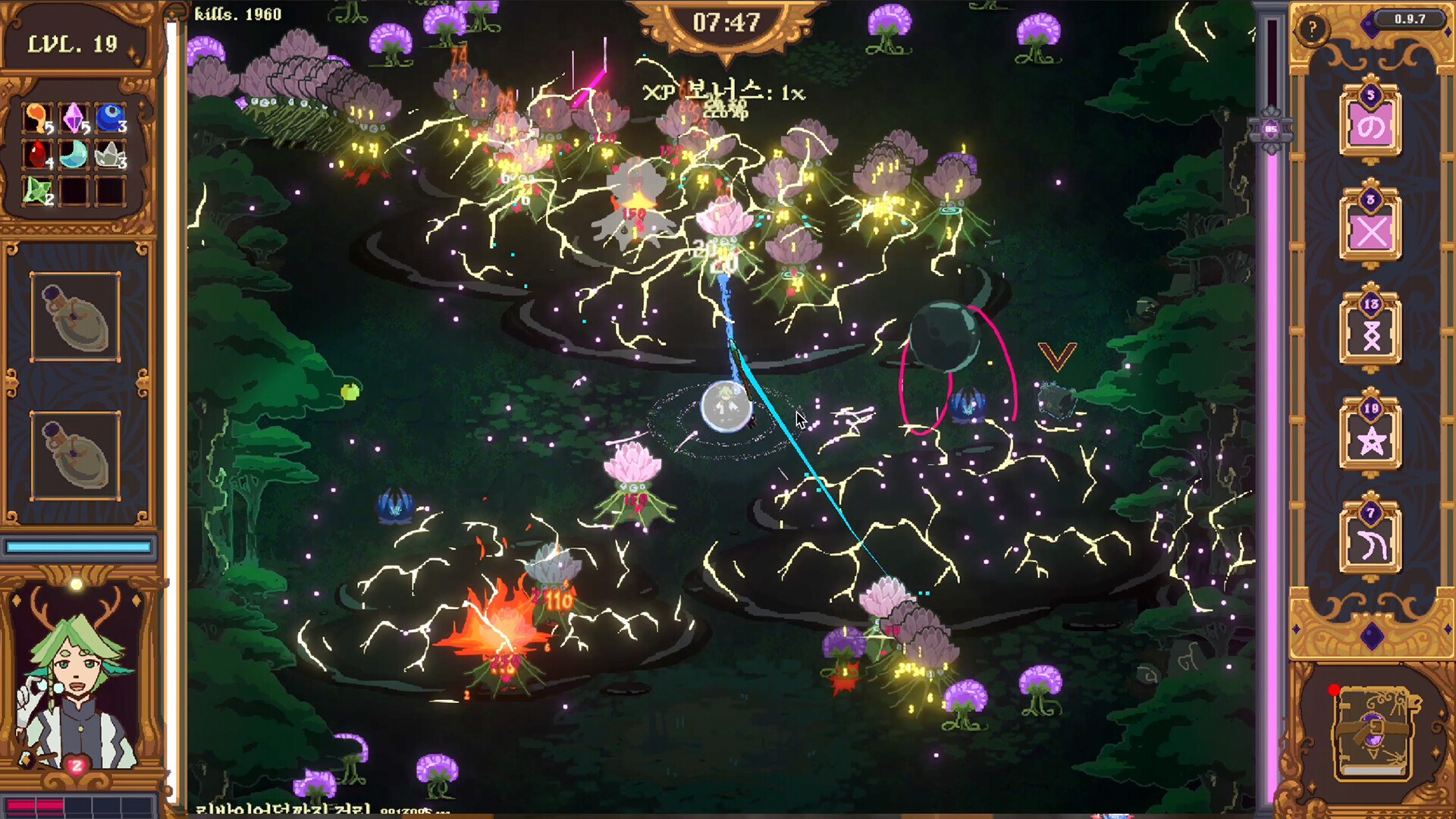
The requirements are modest, which fits the pixel-art presentation. The heaviest figure is the Linux one, because its listed minimum is a handheld-class configuration rather than a desktop one.
| Requirement | Windows | macOS | Linux |
|---|---|---|---|
| OS | Windows 7 SP1 or later, Windows 10 and 11 | High Sierra 10.13 or later | SteamOS 3 |
| Processor | x86 or x64 architecture | Apple Silicon or x64 | AMD Aerith, four cores eight threads |
| Memory | 4 GB RAM | 4 GB RAM | 4 GB RAM |
| Graphics | DX10, DX11 or DX12 capable | Metal capable | RDNA 2 class, GTX 1050 equivalent |
| Storage | 500 MB available space | 500 MB available space | 2 GB available space |
| Recommended extra | Windows 10 or later with an Intel Core i5 and 8 GB RAM | Big Sur 11.0 or later with an Apple M1 or above | Same as minimum, which points at handheld hardware |
On Steam Deck specifically, the honest answer is that the game is not formally rated. No compatibility badge appears in the store data, so there is nothing official to quote. What the sources do show is a stack of soft signals: the Linux minimum spec names SteamOS 3 and AMD Aerith, which is Deck hardware; the demo's configuration carried a Steam Deck touchscreen flag; and the community hub has a bug thread filed for the Deck. None of that is a certification, and drawing with a thumbstick is exactly the input problem the button press mode exists to solve.
FAQ
- Is The Magus Circle available on mobile?
- No. There is no Android or iOS release, and no mobile listing for the game exists in the sources read for this page. The official Steam app details list Windows, macOS and Linux only, and the game has not been announced for any phone or tablet platform.
- Why do I see a The Magus Circle page on TapTap?
- TapTap carries a listing page for the game, but it is an aggregator entry rather than an Android build: no build is offered there, the page shows no ratings, and its call to action is a pre-register button that links back to the Steam store page for the PC release.
- What platforms is the game actually on?
- Windows, macOS and Linux on Steam, all released on September 24, 2026. The macOS build is a native one with Apple Silicon support, and the Linux build's minimum spec lists SteamOS 3 with handheld-class hardware.
- Can you play The Magus Circle on Steam Deck?
- It is plausible rather than certified. No Steam Deck compatibility rating is published on the store page, but the Linux minimum spec names SteamOS 3 and AMD Aerith hardware, the demo's config included a touchscreen flag, and a community bug thread is tagged for Steam Deck.
- What can you draw with?
- Mouse, drawing tablet, touch screen or controller, per the official store page. It recommends the mouse, a tablet or a touch screen, and warns that drawing tablets using Microsoft Ink need that setting disabled or the game will not read your strokes.
References
- The Magus Circle on Steam — store page and official app details (appid 2796640)
- The Magus Circle — Steam Community Hub (patch notes and discussions)
- The Magus Circle Latest Version for Android/iOS — TapTap listing
- The Magus Circle Demo (App 4289390) — SteamDB record, listing macOS and Linux builds
Facts on this page are compiled from the references above. Items marked "to confirm" are single-source and not yet verified.