
The Magus Circle · Game Guides · Guide
The Magus Circle How To Play — Sigils, Mana and Your First Run
The Magus Circle how to play guide: draw sigils to cast spells, manage mana and level-ups, learn the manor hub loop, and survive your first runs.
What You Actually Do in The Magus Circle
The Magus Circle is a vampire-survivors style roguelite from developer and publisher By Witchlight, and the official description states the premise in one line: you draw to cast spells. You play a mage dragged into a cosmic war you did not sign up for and charged with protecting the Circle from the Tide, and every fight is built around drawing sigils with your cursor instead of pressing an ability key.
The practical version of the loop is short: enter a run, draw sigils to fire spells, collect mana and XP while monsters close in, spend level-ups on upgrades, beat the map boss, then head back to the manor hub to spend what you earned. The store page frames the content as 20 unique spells, 600 possible upgrades, 4 planets, six playable mages and a manor full of story, all of it wrapped in a single-player Action and Indie release.
| Field | Official detail |
|---|---|
| Developer and publisher | By Witchlight (self-published) |
| Release | September 24, 2026, out of Early Access on day one |
| Platforms | Windows, macOS and Linux |
| Price at time of writing | $11.69, a 10 percent introductory discount from $12.99 |
| Spells and upgrades | 20 unique spells and 600 possible upgrades, per the store page |
| Maps and roster | 4 unique planets, 6 mages of the circle, each with their own skill trees and abilities |
| Run goal | Survive the horde, beat the map boss, return to the hub |
Drawing Sigils: The Core Mechanic
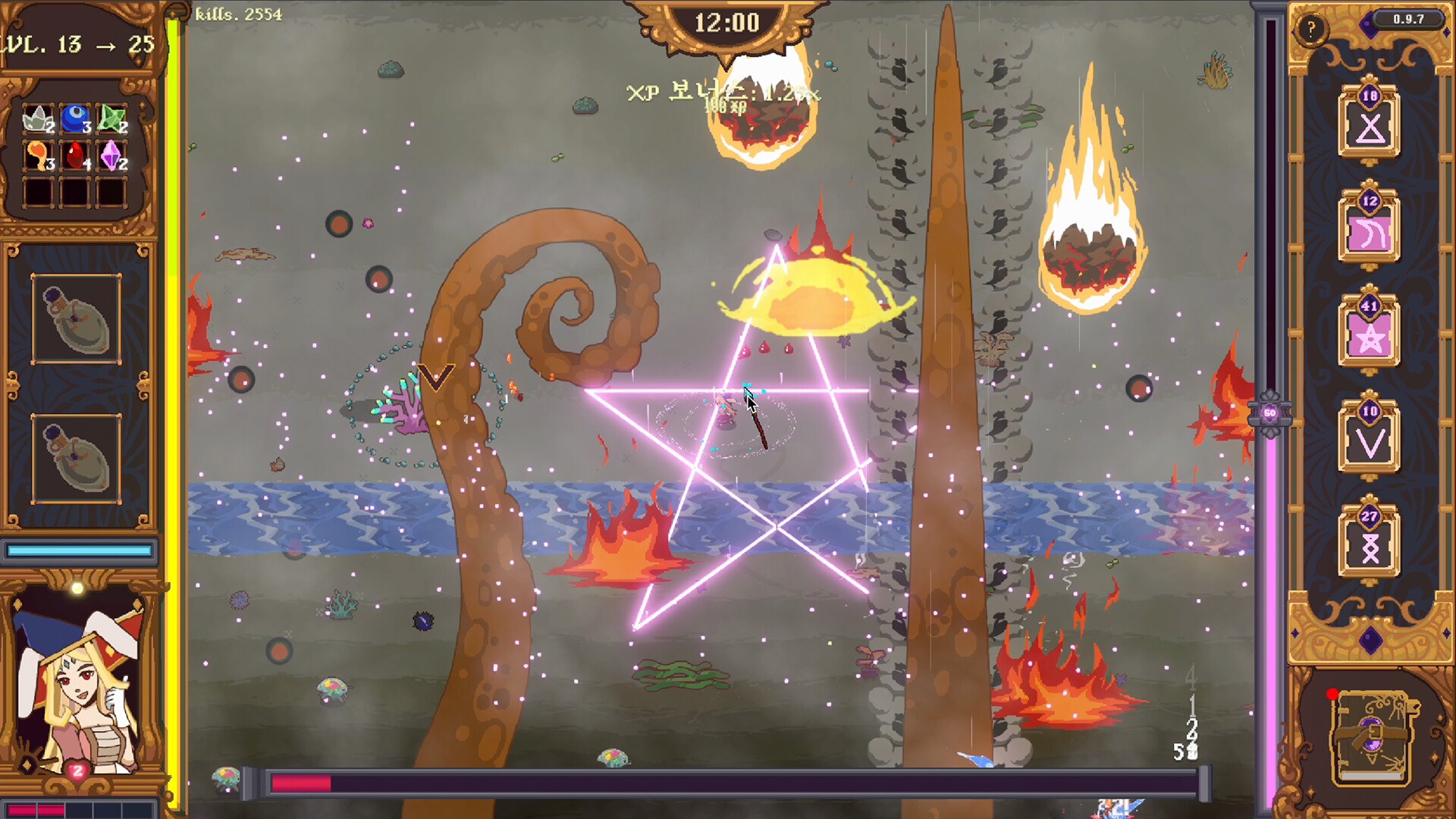
The tutorial in the demo build teaches the mechanic in two lines, and they still describe the full game: hold left click to draw the sigil, release to submit the spell. Each spell is bound to its own glyph, the glyphs you are carrying sit in the UI so you can refresh your memory mid-fight, and the shapes have to be drawn as one continuous stroke rather than a series of marks.
The judgement is deliberately loose. One demo player wrote in the Steam discussions that the system was quite permissive on some spells, that chain lightning was the finicky exception, and that their success rate stayed above 80 percent; the same thread describes one-stroke glyphs like the chain lightning bolt as the hardest to reproduce under pressure. The official store page takes the same line, promising that even crude sigils hold magic.
The drawing rules that matter in practice:
- Start the stroke and finish it — the game reads a single path, so lifting the button mid-glyph can fail the cast.
- Watch the glyph panel, not your muscle memory, until a spell is automatic.
- Draw fast rather than pretty. A clean shape that arrives late costs you the tempo a fight was built on.
- Every spell costs mana on top of the drawing check, so a failed glyph wastes both time and mana.
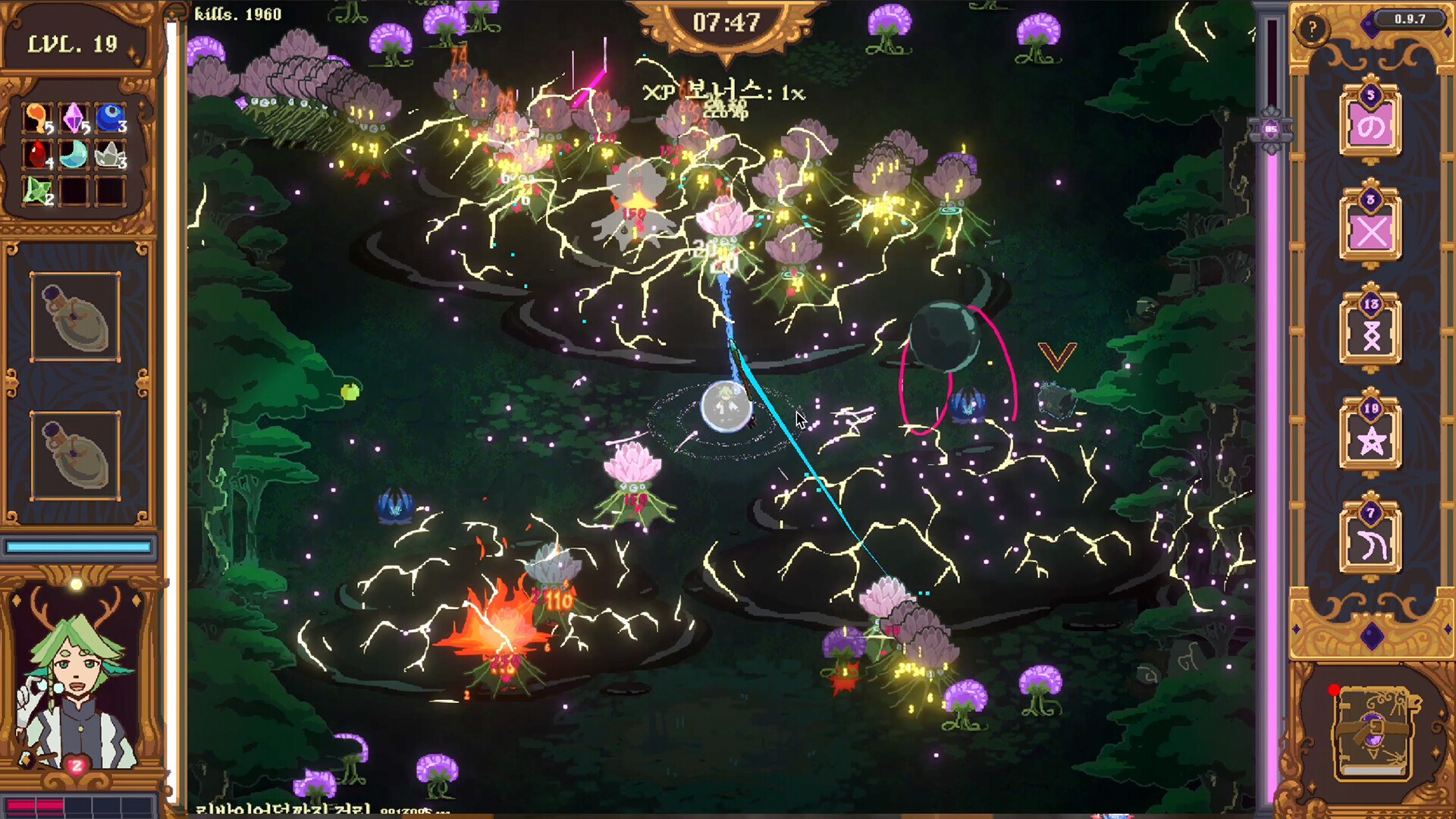
Mana, Level-Ups and the Upgrade Loop
Mana is the throttle on the whole fight. Spells require mana, mana regenerates over time, and mana motes dropped by monsters restore additional mana on pickup, which is why the demo tutorial tells you to keep collecting them. The demo's own tooltips give a sense of the costs: magic missile was listed at 5 damage, a 5 second duration and 10 mana in the build the walkthrough played (one player's in-demo reading, to confirm for the 1.0 release).
| Resource | How you get it | What it does |
|---|---|---|
| Mana | Regenerates over time, plus motes dropped by monsters | Pays the cost of every spell you cast |
| Motes | Dropped by killed monsters, collected by walking over them | Top up the mana pool on top of natural regeneration |
| XP and level-ups | Killing monsters and collecting the XP they leave behind | Each level is spent on an upgrade, and the demo granted an XP bonus for unspent levels |
| Hearts and health | Picked up in the world; monsters cost health on contact | Contact damage is the main way runs end |
| Chests | Opened during the run | Grant upgrades — one demo player reported getting up to three from a single chest and was unsure whether that was intended |
| Spell scrolls | Found while exploring the hub after the 1.0.3 hotfix | Add new spells to the pool you can draw from |
Level-ups are the other half of the pacing. Once you have enough XP you draw a circle around your character to level up, then pick one upgrade from the options offered. The store page puts the upgrade pool at 600 possible upgrades across the 20 spells, which is why a run can pivot hard on a single pick: the demo pool included spell-focused options such as extra ice spears, freeze and stun chances, meteor burn fields and bleed stacks alongside general stats like dodge, mana efficiency and critical damage.
Controls, Devices and Accessibility
The store page is unusually specific about input, because drawing is the game: The Magus Circle supports drawing tablets, touch screens and controllers, and it recommends a mouse, a drawing tablet or a touch screen for the best experience. The one trap it calls out by name is Microsoft Ink — if your drawing tablet uses it, the setting has to be disabled or your drawings will not register.
| Input | Supported | Notes from the official store page |
|---|---|---|
| Mouse | Yes, and recommended | The default setup, and what most gameplay footage uses |
| Drawing tablet | Yes, and recommended | Disable the Microsoft Ink setting or drawings will not work |
| Touch screen | Yes, and recommended | Listed as a supported and recommended way to draw |
| Controller | Yes | Recommended only with the accessibility options — slow or freeze time while drawing, or button press mode |
Accessibility is built around the same problem. The store page describes settings that slow or freeze time while you draw, and a button press mode, both aimed at players who cannot produce a glyph quickly. The store page's category list also flags the game as playable without timed input, playable at your own pace, save anytime and with adjustable difficulty, so the drawing pressure is something you can turn down rather than a fixed wall.
Your First Run, Step by Step
Nothing below is an optimised route; it is the order the documented systems suggest, and it leans on the demo tutorial and player feedback because those are the sources that describe the early game.
- Pick a difficulty. The default option is described in the demo as the intended difficulty, one that challenges your ability to draw spells with both speed and accuracy.
- Learn the first glyph properly instead of rushing. The opening spells are simple shapes; the hard ones come later, and a spell you cannot draw is a slot you cannot use.
- Keep moving and keep collecting. Contact with monsters costs health, and motes are the difference between casting freely and standing idle out of mana.
- Spend levels when the offer is good, bank them when it is not. The demo rewarded unspent level-ups with an XP bonus, so a full XP bar was not automatically wasted.
- Draw the level-up circle cleanly. A sloppy circle is the most common way players lose a level-up in the middle of a crowd.
- Beat the map boss, then decide whether to extract. One demo player noted that you can keep going after a boss if you do not take the teleport, which turns a finished run into an optional extension.
- Finish the run to bank progress. The between-run systems in the manor are where meta progression happens, including spell scrolls found by exploring the hub.
The Hub Loop Between Runs
The manor is the part of The Magus Circle that the store page under-sells. Its Story bullet says you explore the manor, get to know your fellow mages and uncover the secrets of the Circle, and the Progression bullet lists familiars, wagers, potions and a garden as things you unlock. Recent patch notes fill in more of it: exploring the hub is how you now acquire new spell scrolls, and the studio's plan for future updates names tarot, potions and scribing as the meta-progression systems it wants to make clearer.
The documented hub activities:
- Talk to the other mages, which is where the story and the unlock progression live.
- Buy tarot, and wager with the character the 1.0.4 hotfix refers to as Odds, whose bets now display the anima bonus they provide.
- Brew potions and tend the garden, both named in the store page's progression list.
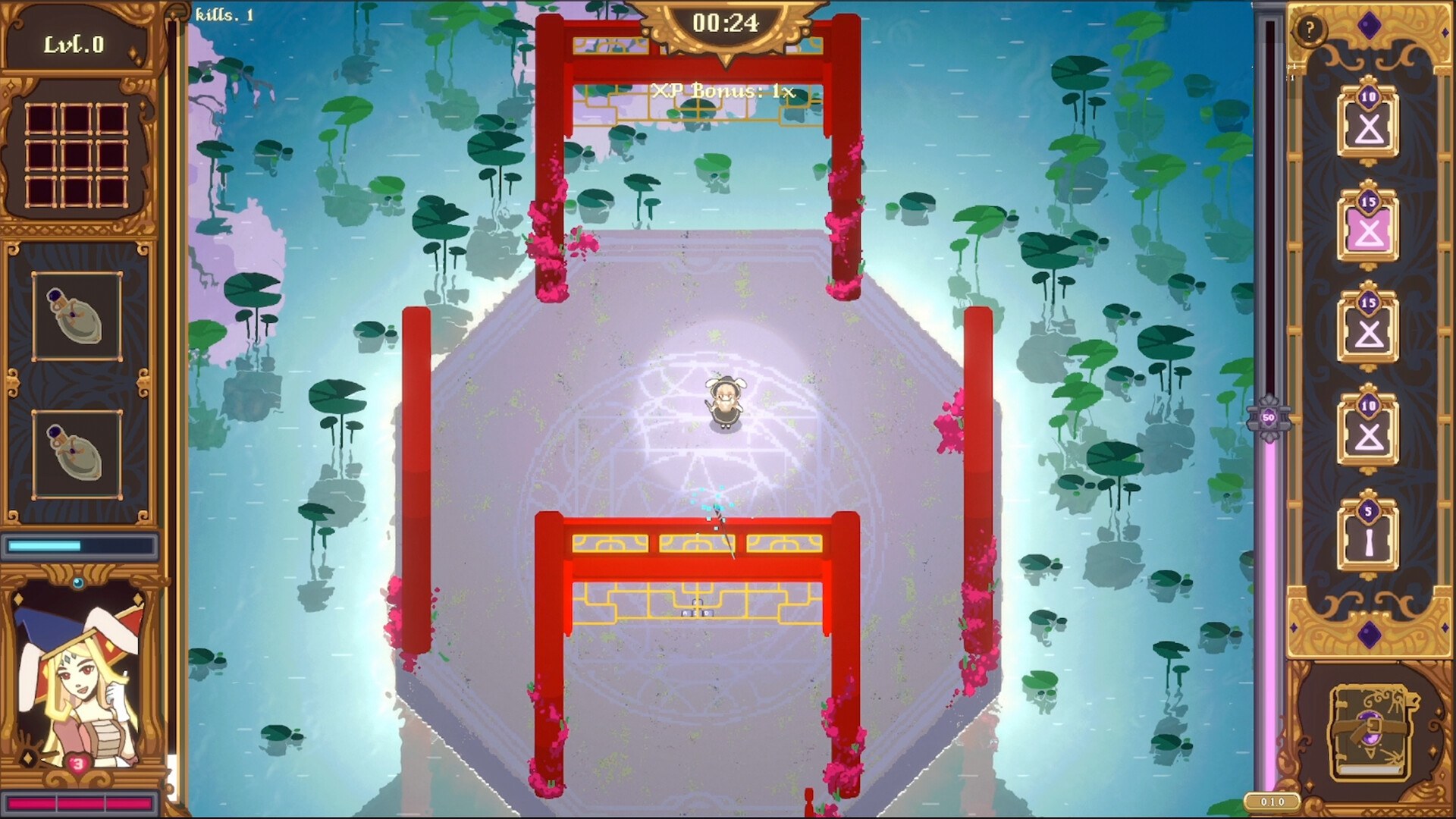
- Fish, a hub activity visible in the launch-day gameplay footage.
- Spend gold in the shop and stock up on consumables before the next attempt.
- Pick up new spell scrolls found by exploring the hub, added in the 1.0.3 hotfix.
What the Patches Changed Since Launch
The game launched on September 24, 2026 and had two hotfixes inside its first four days, and both changed things a beginner will feel. The 1.0.3 hotfix on September 25 concentrated on extraction and on errors that stacked up during a run; the 1.0.4 hotfix on September 27 fixed a hardlock at the end of the first flashback, fixed spell descriptions showing large decimal numbers and fixed the move speed figure on the stats page.
| Patch | Date | Highlights that touch the early game |
|---|---|---|
| 1.0.3 | September 25, 2026 | Extraction fixes, Riptide and Poppet Master fixes, mana efficiency display, requested reroll and ability charge counts corrected, new spell scrolls findable in the hub, balance pass on several spells |
| 1.0.4 | September 27, 2026 | First flashback hardlock fixed, a duplicate character in flashback 4 fixed, spell description decimals fixed, stats page move speed fixed |
| Plans for future updates | Posted on the Steam hub | Drawing optimisation, late-game performance work, a physics overhaul for spell and enemy interactions, clearer meta-progression for tarot, potions and scribing, spell balance done by changing behaviour rather than numbers, map generation fixes for maps 3 and 4, and a way to learn where ingredients are collected |
If you are starting now, the honest summary is that the launch build is stable but still moving. Expect the drawing feel, the late-game frame rate and the map layouts to be the areas the developer is working on next, and treat any specific stat number from a launch-week video as a snapshot rather than a permanent value.
FAQ
- How do you cast a spell in The Magus Circle?
- Hold the left mouse button and draw the sigil for the spell you want, then release to submit it. Every spell has its own glyph, the game shows the glyphs you are carrying in the UI, and the judgement is forgiving — one demo player reported a spell success rate above 80 percent even while drawing badly.
- Do I need to be good at drawing to play?
- No. The official store page states that you do not need to be an artist and that even the most crudely drawn sigils still hold magic. What matters more is speed and accuracy under pressure, since monsters keep closing in while you draw.
- How do you level up in The Magus Circle?
- Draw a circle around your character to level up once you have enough XP. In the demo build the tutorial also granted an XP bonus for each unspent level-up, so banking levels instead of spending them immediately was a real trade-off.
- What happens when you die or finish a run?
- You return to the hub — the manor — where you talk to the other mages and use the between-run systems. One demo player reported that a full run took about 10 to 15 minutes and that you can keep playing after the boss if you do not take the teleport out.
- Which input devices work for drawing sigils?
- The official store page lists mouse, drawing tablet, touch screen and controller. If your drawing tablet uses Microsoft Ink you need to disable that setting for your drawings to register, and for controller play the page recommends the accessibility options that slow or freeze time while drawing, or the button press mode.
References
- The Magus Circle on Steam — store page and official app details (appid 2796640)
- The Magus Circle — Steam Community Hub (patch notes and demo feedback threads)
- Demo feedback :: The Magus Circle General Discussions
- A Bullet Heaven Where You Draw to Cast Spells is PURE MAGIC | The Magus Circle (Demo) — YouTube gameplay with subtitles
- The Magus Circle Gameplay Trailer — official trailer
Facts on this page are compiled from the references above. Items marked "to confirm" are single-source and not yet verified.