
Substrate: Emergence · Game Guides · Guide
Substrate Emergence How To Play — Controls, First Culture and the Tutorial
Substrate Emergence how to play: start a lab, feed and divide cells, fight contamination, read a cell, and survive the unfinished Early Access tutorial.
What You Do in Your First Session
The short version of how to play Substrate: Emergence is that you set conditions and then let biology run. You name a lab, start a culture, feed the cells until they can divide, keep them spread out so they do not overheat, and deal with whatever the dish throws at you: contamination, pH swings, and eventually a rival lab with its own culture. You are a cultivator with chemistry, not a commander with a build order.
That framing matters because the game's own developer describes the story and tutorial as highly unfinished and short, while the rest of the game is deep but possibly obscure (the developer's words from the Early Access notes on the store page). The practical consequence is that you should expect to learn by reading the dish rather than by following instructions. Everything below comes from the July 2026 demo build that the subtitled walkthrough plays, the official store text, or the patch notes, and anything taken from that demo is marked as such because the Early Access build has moved on.
Starting a Lab and Choosing a Mode
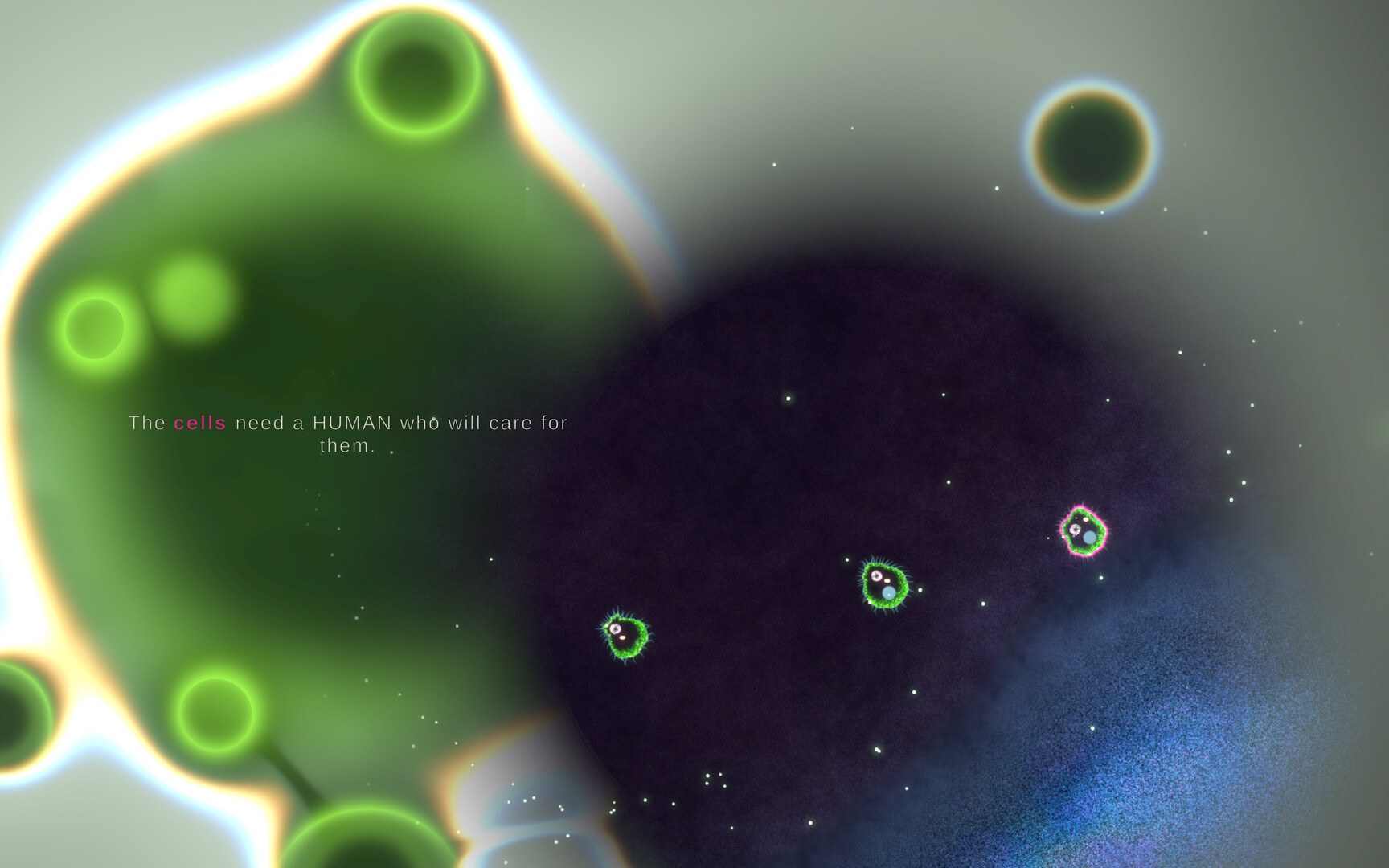
The first screen is administrative. In the demo build you named your lab, and the walkthrough's host typed initials and started a culture from the menu. The same menu listed a quick-start option and a career mode that was locked in the demo, which is the mode where the story acts and the tutorial live.
What is documented about the opening of a career run, from the same demo build:
- You start a culture and your colony has four cells (the walkthrough reads the on-screen count aloud).
- Hints guide you through the first actions rather than leaving you to find them.
- The first jobs are feeding a cell and triggering mitosis, which the objectives panel spells out as goals with rewards.
- An objectives tab in the upper-right of the HUD shows your current goal and what it pays.
In the full Early Access build, story acts now include an Act 1 spacing warning and a reworked Act 3 dish, and the final story card offers both the Bionet and the main menu. The demo also blocked career mode entirely, so if you played the demo and assumed the game was shallow, that was the demo's limit rather than the game's.
The Controls You Actually Need
Keys and gestures are the part most likely to have changed since the demo, since the v0.2.9 patch notes describe adding more obvious control hints that float on the cursor to show which controls are available when hovering a cell. The table records the demo build's scheme so you know what to look for; treat the bindings as to confirm for your build, and read the hovering hints first.
| Action in the demo build | Input | Notes |
|---|---|---|
| Read a cell | Hover over it to open the inspector | The readout is where pH, temperature and behaviour tags appear |
| Freeze a specimen you want to keep | Press E while hovering | The demo referred to this bank as a place to keep high-value or unusual cells |
| Review what you have banked | Press V | A separate specimen screen |
| Register a strain or an enzyme ability | Press M while hovering over the relevant cell | Used for divergent strains and for digestive enzyme launchers |
| Scrap a cell for quick biomarks | Press G while over the cell | A fast cash option that costs you the cell |
| Pause | Press P | The walkthrough uses this constantly to think |
| Place a compound, mutagen or burst | Open the particle tool tray, then click in the dish | Selection is by tool; the tool tray holds the sprays and placements |
| Move the interface | Drag panels | The demo's hood and filters are draggable |
Feeding, Dividing and Keeping Cells Alive
Feeding is the first system to internalise. Cells consume resources, and in the demo the two documented feeding routes were dragging a cell onto a plasmodium and spraying a nutrient mix from the particle tool tray onto the culture. Once a cell is fed, division is gated on its vacuole, and the nucleus pulses when the cell is ready to split.
The failures that catch new players are the ones the patch notes keep addressing.
- Starvation with food nearby. A player review on September 27, 2026 complained about cells dying while surrounded by food, and the developer's patch notes now make death messages say explicitly when a cell starved while sitting on growth media. Proximity is not uptake.
- Heat from crowding. Act 1 now warns you to keep cells spread out as they divide or they overheat, and the same patch made heat less punishing by slowing crowded cells less before they overheat.
- pH. The dish has acidic and alkaline areas, the status mark for pH now reads pH+ or pH- in red, and in the demo a substrate brush let you paint pH onto the dish. Painting a comfortable band and steering your culture into it is a cheap defensive move.
- Ignoring the inspector. The demo's readouts included pH, temperature and tags such as generalist, motile and passive. Those tags are the difference between a cell that spreads and one that sits.
Contamination, Contracts and Money
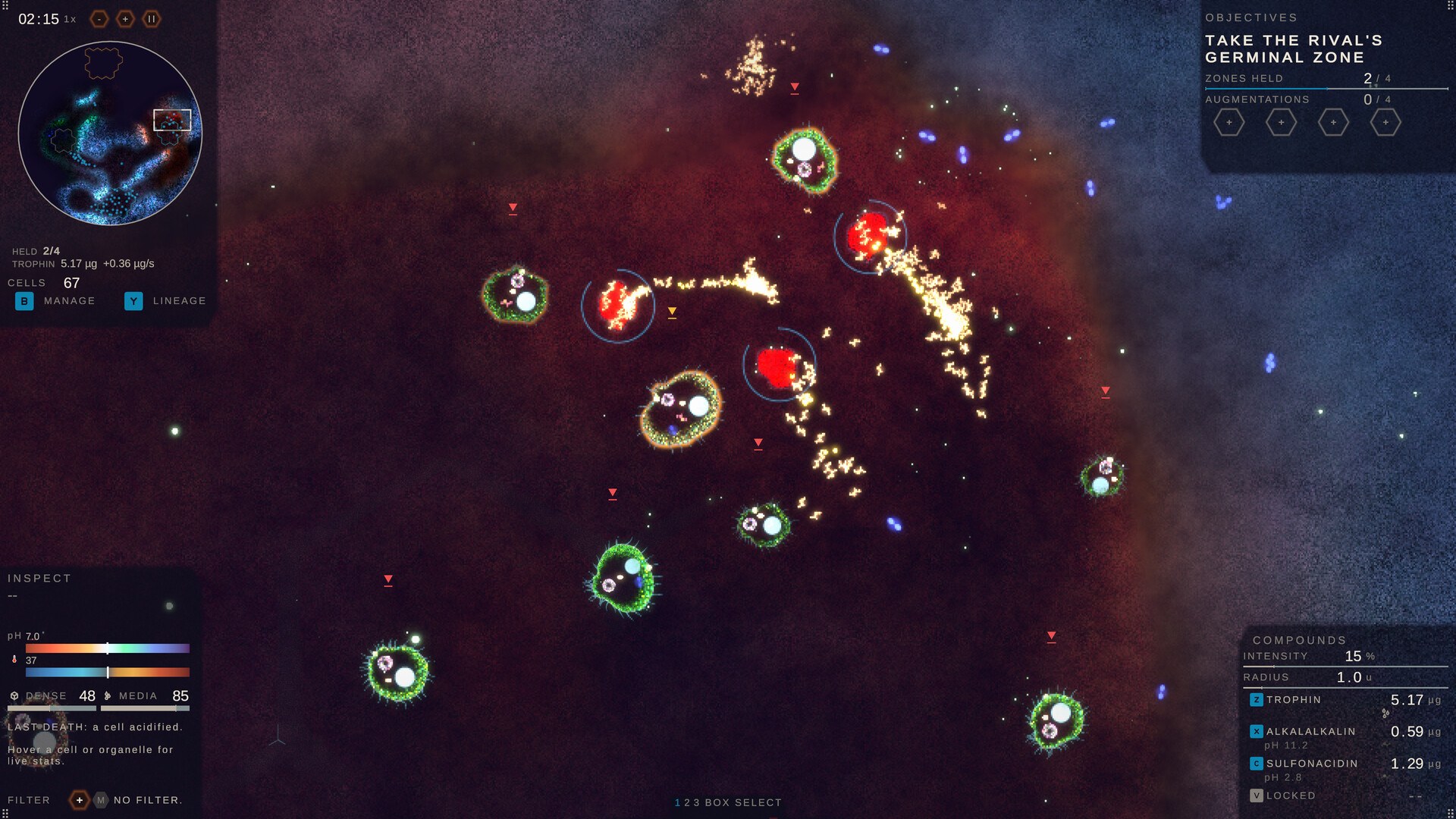
Bacterial contamination is the first real threat that is not your own biology. In the demo a contamination event prompted the tutorial to open the particle tool tray, select an antibiotic and place a burst on the bacteria to sterilise the dish, and the walkthrough's host found that toxin worked too but killed his own cells along with the outbreak. The community knows the framing by now: one September 27 patch line notes rival plasmodium in Act 3 now release pulses of bacteria.
Money has three documented sources, and only one of them is a set of instructions.
| Source | What it pays for | How it worked in the demo |
|---|---|---|
| Biomarks | Culturing valuable cells, plus scrapping a cell for a quick payout | The lab's basic income, tied to how valuable your strains are |
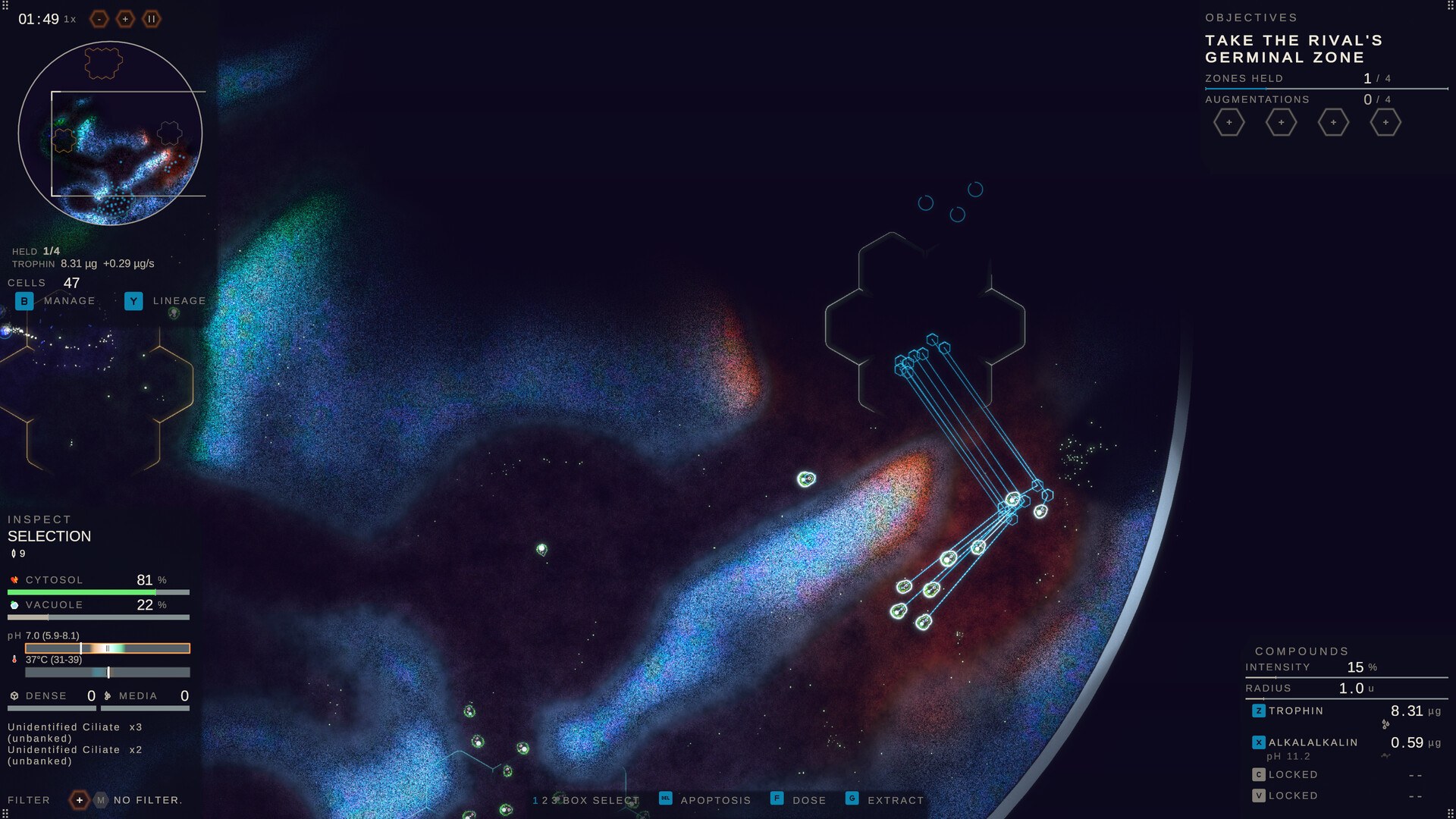
| Contracts and objectives | Stated goals with a listed reward | The objectives tab in the upper-right of the HUD names the goal and the reward |
| The exchange | Selling a culture to a buyer for money | Fill an order to sell a culture, and spend the proceeds on new strains |
The demo also surfaced a maintenance mechanic that is worth planning around: the walkthrough read an offer of a stipend every second for holding the colony below a break-even of 40 cells, with the cost of maintaining cells rising as the population grows, and registering new specimens offered as a way to offset that upkeep. The numbers come from that demo build and should be treated as to confirm for the Early Access build.
Why the Game Feels Hard, and What the Developer Is Changing
The most useful thing a beginner can know is that the difficulty is acknowledged at the top. In the Early Access notes the developer writes that the current version has a lot of jank, that you should expect bugs and some crashes, that most crash reports are turned around within 24 to 48 hours, and that the core simulation runs and the game is playable while the challenge is still being established and balanced. A player review the same week called learning the game harder than playing it, and the developer replied rather than ignored it.
The fixes in the days after the September 24, 2026 Early Access launch point the same way:
- Tutorial corrections, including a fix for teaching Trophin division twice and a fix so the "these are your cells" page opens the window onto your cells.
- The inspector now opens at the tutorial step that needs it, and the germinal zone step no longer pauses the game.
- A gene filter that can auto-name strains, a new trait tag lens, and a per-lens button for sorting what you are carrying.
- Better status communication: status marks show their name on hover, and the pH mark got the red pH+ or pH- treatment.
- Bug reports can now include logs and diagnostics with a screenshot, which is why reporting through the in-game option reaches the developer directly.
If you are stuck, the honest advice is to file the report through the in-game tool with steps to reproduce, and to check the Discord, which the developer names as the fastest route for game-breaking issues.
A First-Session Order That Follows the Systems
Nothing below is an optimal build, because no meta is settled yet. It is the order the documented systems suggest.
- Name a lab and start a culture. Expect four cells in career mode rather than a starting army.
- Feed before you plan. Drag a cell onto a plasmodium or spray nutrient mix, and keep feeding until the vacuole is fuelled.
- Wait for the pulsing nucleus before expecting a division, then trigger the first mitosis the objectives tab is asking for.
- Hover every cell you care about and read the inspector: pH, temperature, and the behaviour tags.
- Spread the culture out before it gets dense, since crowding is what turns into heat death.
- Deal with bacteria the moment they appear, using the antibiotic burst the tutorial names rather than toxin if your own cells are nearby.
- Bank the weird ones. Freeze unusual or high-value specimens so a wipe does not cost you the lineage.
- Check the objectives tab for a paid goal before improvising, and use the exchange when you need cash for new strains.
- Pause often. The walkthrough's host leaned on the pause key more than any other input, and the simulation does not wait for you to finish reading a panel.
FAQ
- How do you start playing Substrate: Emergence?
- Name a lab, then choose a mode. In the July 2026 demo build the menu offered a quick-start culture and a career mode that was locked, and career mode is the story-driven path where you begin with a small colony of four cells; the same build walked a new player through dragging a cell onto a plasmodium to feed it and then triggering its first division.
- Why will my cells not divide?
- Division is gated on the vacuole. In the demo build a cell could only divide once its vacuole was fuelled, and once it was ready its nucleus began to pulse, which is the visual cue that you have something to act on. Cells that are starving or too hot will stall or die instead of splitting.
- What do you do about bacterial contamination?
- Sterilise it. In the demo build a bacterial outbreak was handled by opening the particle tool tray and placing an antibiotic burst on the bacteria, which the tutorial framed as the correct tool; toxin was the other option, but its own description warned that it kills any cell it touches, including your own culture.
- How do you earn money in the game?
- The demo build showed three routes: biomarks for culturing valuable cells, contract objectives that pay a reward for a stated goal, and the exchange, where you fill an order to sell a culture for money that funds the lab and pays for new strains. A dev stream also showed a recurring stipend tied to keeping your colony below a break-even cell count.
- Is the tutorial good enough to learn the game?
- Not yet, and the developer says so. The Early Access notes call the story and tutorial highly unfinished and short, and state that the UI and the guides for each surface are still being worked on, while patch notes for v0.2.9 describe taking a different approach to tutorials with control hints that float on the cursor.
More in Game Guides
More game guides pages in Substrate: Emergence.
References
- Substrate: Emergence on Steam — store page and official app details (appid 4248790)
- Substrate: Emergence — Steam Community Hub (patch notes, player reports and developer replies)
- Petri Dish Games — official studio site and project page
- My Cells are Growing! Lets Check Out Substrate: Emergence — YouTube gameplay walkthrough (July 2026 demo build, subtitled)
Facts on this page are compiled from the references above. Items marked "to confirm" are single-source and not yet verified.