
Slow Roads · Seeds · Index
Slow Roads Seeds — How World Seeds Work and How to Share Them
Slow Roads seeds explained: how seeded world generation works, where to enter or copy a world code, the URL modifiers worth trying and how to keep a road.
How Slow Roads Seeds Work
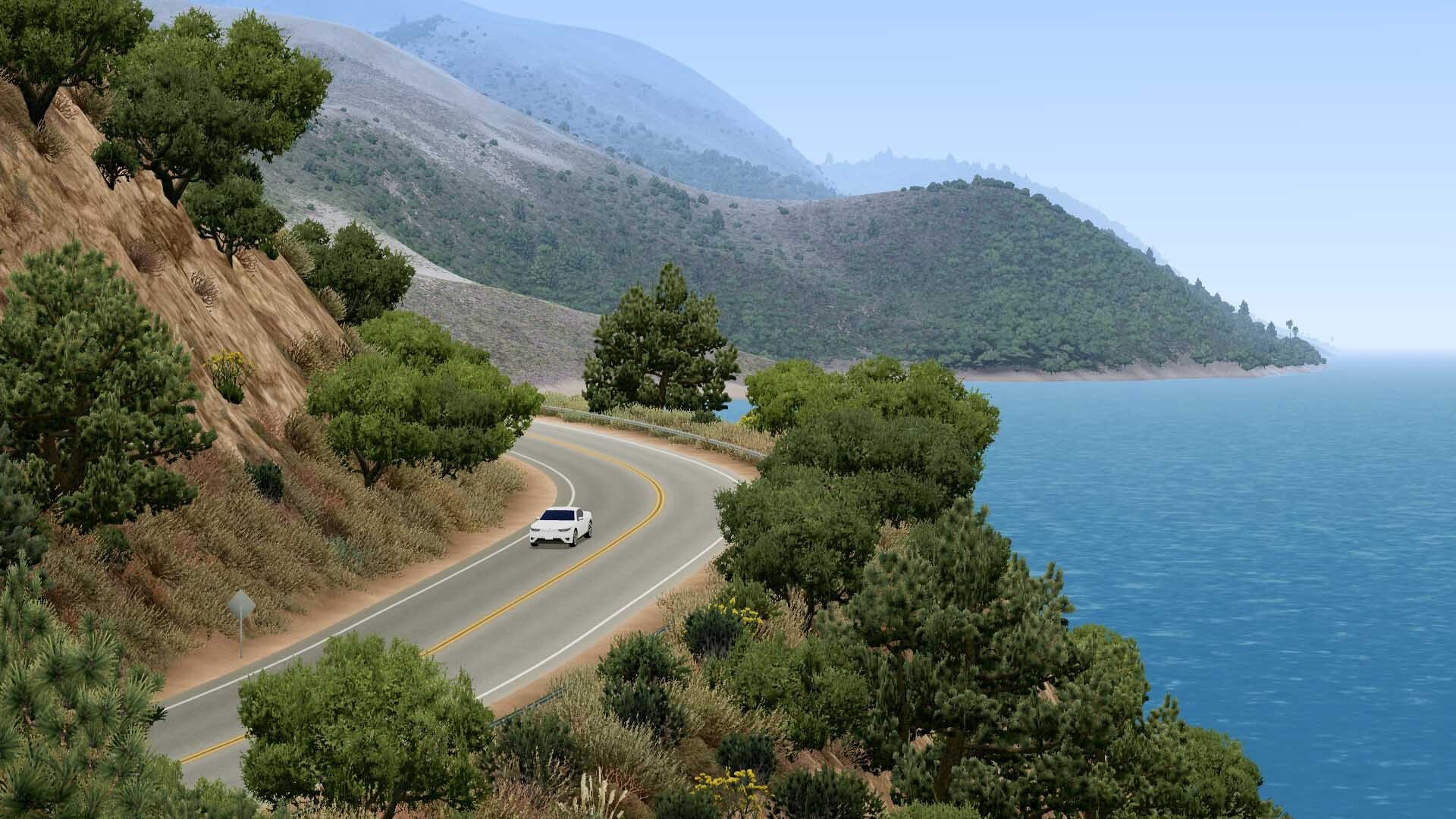
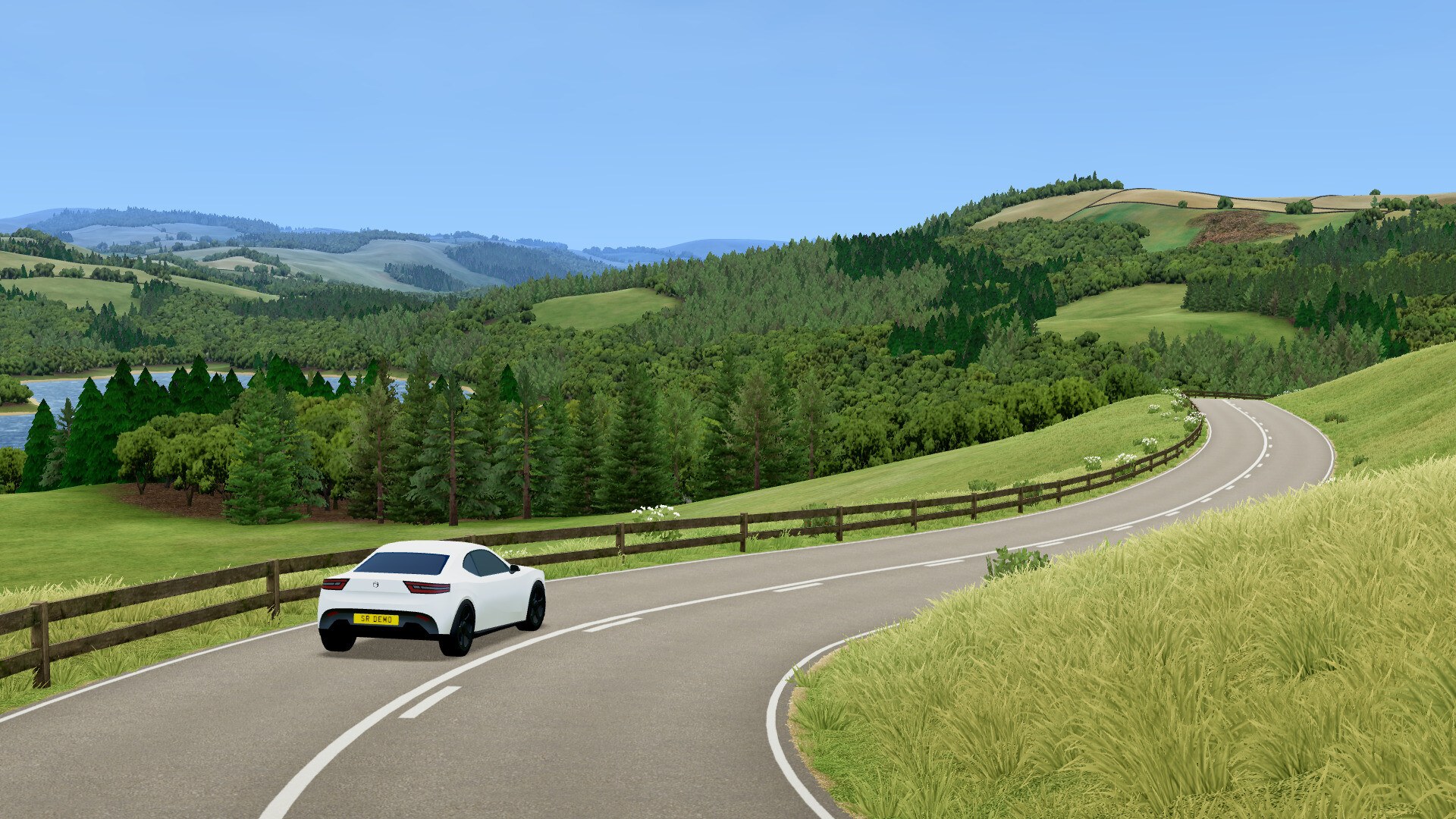
Short answer: every world in Slow Roads is generated from a seeded number, and that number is what lets you come back to a road you liked. The Steam page states it plainly — "World generation is seeded, allowing you to revisit any especially nice road you find." Nothing is stored as a finished map on a server; the road is built ahead of you as you drive, so the seed is the only record of that particular valley, hedge line and corner sequence.
That is why seeds matter more here than in most driving games. With no objectives, no score and no unlocks, a good road is the reward, and the seed is the receipt. The developer's technical write-up explains why the output feels hand-made rather than random: the heightmap is built with a Perlin-like algorithm tuned for realistic hills, a road midline advances in roughly 10-metre steps toward the flattest available direction, and the elevation of those points is retroactively smoothed with a nine-point window so the profile does not jerk. Re-run the same seed and that whole chain reproduces.
Where You Enter and Copy a Seed
Seed handling is split across the two versions of the game, and the free web version is where the explicit input box lives.
| Version | Seed entry point | What the sources document |
|---|---|---|
| Free web version (slowroads.io) | World menu, world hash input box | The 2.3.2 changelog notes that pressing enter in the world hash input box now triggers world generation |
| Free web version | World menu code system | The drifted.com guide says you can copy your seed there and paste or share it later to revisit the same road layout and visual settings |
| Steam release | Seeded world generation | The store page states that world generation is seeded so you can revisit a road you liked; a dedicated seed UI is not described in the store text |
| Both versions | Profile save transfer | The developer's FAQ covers moving your profile and settings from slowroads.io into the paid Web Edition save file (to confirm for the Steam build) |
The practical loop is simple, and it is the same loop the guide sources describe:
- Find a stretch of road you actually enjoy — the corner rhythm, the view distance, the surface.
- Open the World menu before you leave it and copy the seed or hash shown there.
- Store it with the scene details, because season, weather and time change how that same road looks and grips.
- Re-enter the code later to rebuild the layout, then re-apply the scene settings you recorded.
URL Hash Modifiers You Can Try
The one place the developer published hands-on world modifiers was the annual winter event page, and they are worth knowing because they change the world rather than the car.
| Modifier | Documented effect |
|---|---|
#samtfird | Add it to the end of the URL and refresh for an inverted route |
#nosnow | Removes snow from the route |
#allsnow | Covers the route in snow |
All three come from the official Driftmas event page, which hosted the extra-slippery 5 km winter track. Two honest caveats: the page said the live event had ended and leaderboards were disabled, and the modifiers were published for that event build, so treat them as a documented trick rather than a supported general feature.
What Is Not Documented: Named "Best Seeds"
Searches for best, cool or good seeds are common, but we could not verify that any such collection exists. There is no official seed database, no published seed code list and no developer-curated set of recommended worlds in the official site, the Steam store page or the community sources used here. The web version only supports revisiting a world you already found, so the practical ceiling is your own saved codes.
That matters for how you read third-party pages. A site publishing a list of "best Slow Roads seeds" is publishing player-shared codes, not verified data, and a code can stop producing the same landscape if the generation code changes between versions — the changelog shows the road generator, ground shaders and tree systems being reworked repeatedly across 2.x releases. Treat any seed you care about as version-specific, and note the version you saved it under. Anything more specific than that is not documented (to confirm).
A Seed-Hunting Checklist
Because the game gives you no list to work from, the useful skill is knowing what to record and what to change.
| Field to record | Why it matters |
|---|---|
| Seed / world hash | The only way to rebuild the same layout |
| Location | Hills, Off-world, and the California coast on Steam, generate different terrain |
| Road type | Normal, Winding, Straight and Casual change the layout completely, not just the difficulty |
| Road width | Narrow single-track and wide highway produce different corner sequences from the same generator |
| Season, weather and time | Winter snow cuts grip, and low light changes how readable the road is |
| Version | The generator has been reworked across 2.x and the Steam 1.x line |
- Hunt on Hills with Winding roads at a narrow width if you want corners rather than distance.
- Use Straight when you want to test top speed and boost, because the layout stops interrupting you.
- Try Off-world for scenery breaks; the textures come from NASA Perseverance imagery per the official attribution list.
- Save the seed before you stop playing, because the code is displayed in the World menu rather than on the road.
- Re-run an old seed after a major update to check whether the generator still reproduces it.
FAQ
- Do Slow Roads seeds actually exist?
- Yes, seeded world generation is an official feature. The Steam page states that world generation is seeded so you can revisit any especially nice road you find, and the web version's changelog refers to a world hash input box that generates the world when you press enter.
- How do I copy or share a Slow Roads seed?
- Use the seed code shown in the World menu. The drifted.com walkthrough explains this as a code system: copy your seed from the World menu, then paste or share it later to revisit the same road layout and visual settings. Sharing it is just passing that code on.
- Is there an official list of the best Slow Roads seeds?
- Not that we could verify. No seed database, no published seed code list and no developer-curated collection appear in the official site, the Steam store page or the community sources used for this page. Any page promising the best seeds should be treated as player-shared codes rather than verified data.
- Does the seed control the scenery as well as the road?
- The drifted.com guide describes the World code as reproducing the same road layout and visual settings, so season, weather and time are part of what you re-enter alongside the seed. The Steam page only promises the road layout, so treat the wider claim as player-observed (to confirm).
- What are the #samtfird, #nosnow and #allsnow modifiers?
- They are URL hash modifiers documented on the official Driftmas event page: add #samtfird to the end of the URL and refresh for an inverted route, or #nosnow and #allsnow to change the snow coverage. They were published for the winter rally build, not as general seed tools.
References
- Slow Roads — official site (web version, changelog and profile transfer notes)
- Slow Roads on Steam — store page and app details (appid 3431300)
- Slow Roads advanced tips (seeds, routes and settings) — drifted.com
- Driftmas 2025 — official Slow Roads winter event page (URL modifiers)
Facts on this page are compiled from the references above. Items marked "to confirm" are single-source and not yet verified.