
Slow Roads · Game Guides · Guide
Slow Roads Guide — How to Play, Controls, Settings and Seeds
Slow Roads guide: how to play the endless driving game, the full control list, the World, Style and Vehicle menus, settings, seeds and the Steam build.
What Slow Roads Is, and How a Session Works
Slow Roads is a casual driving game built around one promise: an endless, procedurally generated scenic road, and no goals to chase. It started as a free browser project at slowroads.io and is now also a paid release on Steam, where the store page describes it as "a casual driving game designed to capture the zen of a long drive on a scenic road." You generate a world, set the scene, and drive. There is no finish line, timer or score, so a session is however long you feel like driving.
The world is generated as you go rather than loaded from a map file. The developer's own technical write-up describes the approach: an infinitely tiled heightmap produced with a Perlin-like algorithm, a road midline that steps forward about 10 metres at a time toward the least steep option, and a 15 km horizon measured from the vehicle, so the game only builds what you can actually see. The same write-up notes that the midline is built never to intersect itself — the hardest problem in the project — and that collisions with trees and other scenery are deliberately ignored, because there is nothing relaxing about folding a car around a tree.
Slow Roads Controls
Keyboard is the default, and every key can be remapped under Controls in the settings menu.
| Action | Key (PC) |
|---|---|
| Accelerate | W or Up arrow |
| Brake / reverse | S or Down arrow |
| Steer left / right | A / D or Left / Right arrow |
| Boost | Left Shift |
| Handbrake (momentary / toggle) | Space / B |
| Reset vehicle | R |
| Change camera | C |
| Pause / mute audio | P / M |
| Next / previous scene | E / Q |
| Toggle cine cam / UI | T / U |
| Toggle auto-drive | F |
| Toggle cruise control | J |
| Cruise speed up / down | I / K |
| Lock steering | V |
| Headlights | H |
On phones and tablets the same game runs with an on-screen throttle bar and a steering slider, and touchscreen support arrived with web version 2.0 in January 2025. The Steam release lists full controller support plus DualShock and DualSense support. Force feedback for wheel controllers was not in the launch build; the developer lists it as a target for update 1.1.0.
The Three Setup Tabs: World, Style and Vehicle
The bottom-left corner of the screen holds three tabs, and together they define the drive.
| Tab | What you choose there |
|---|---|
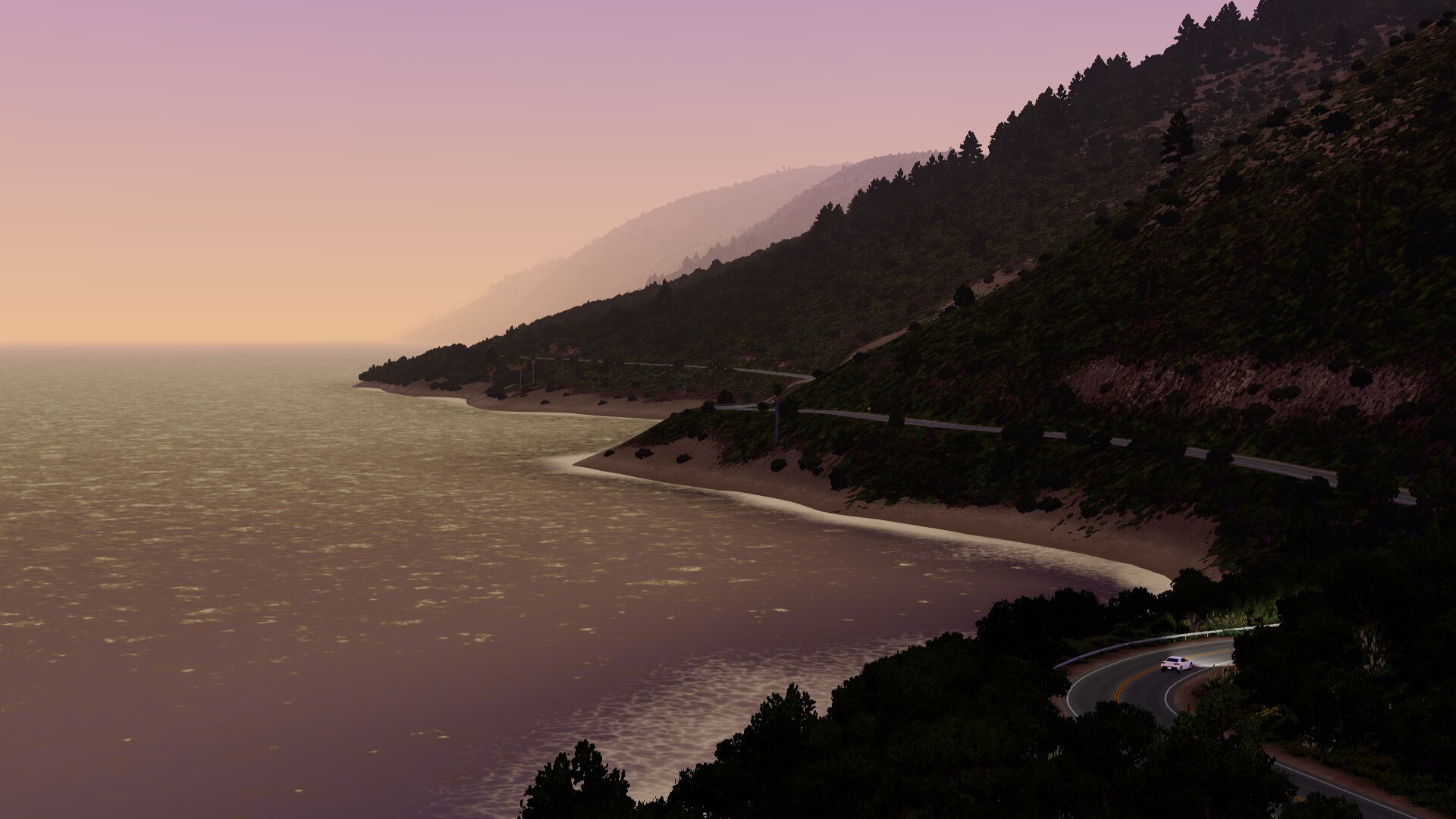
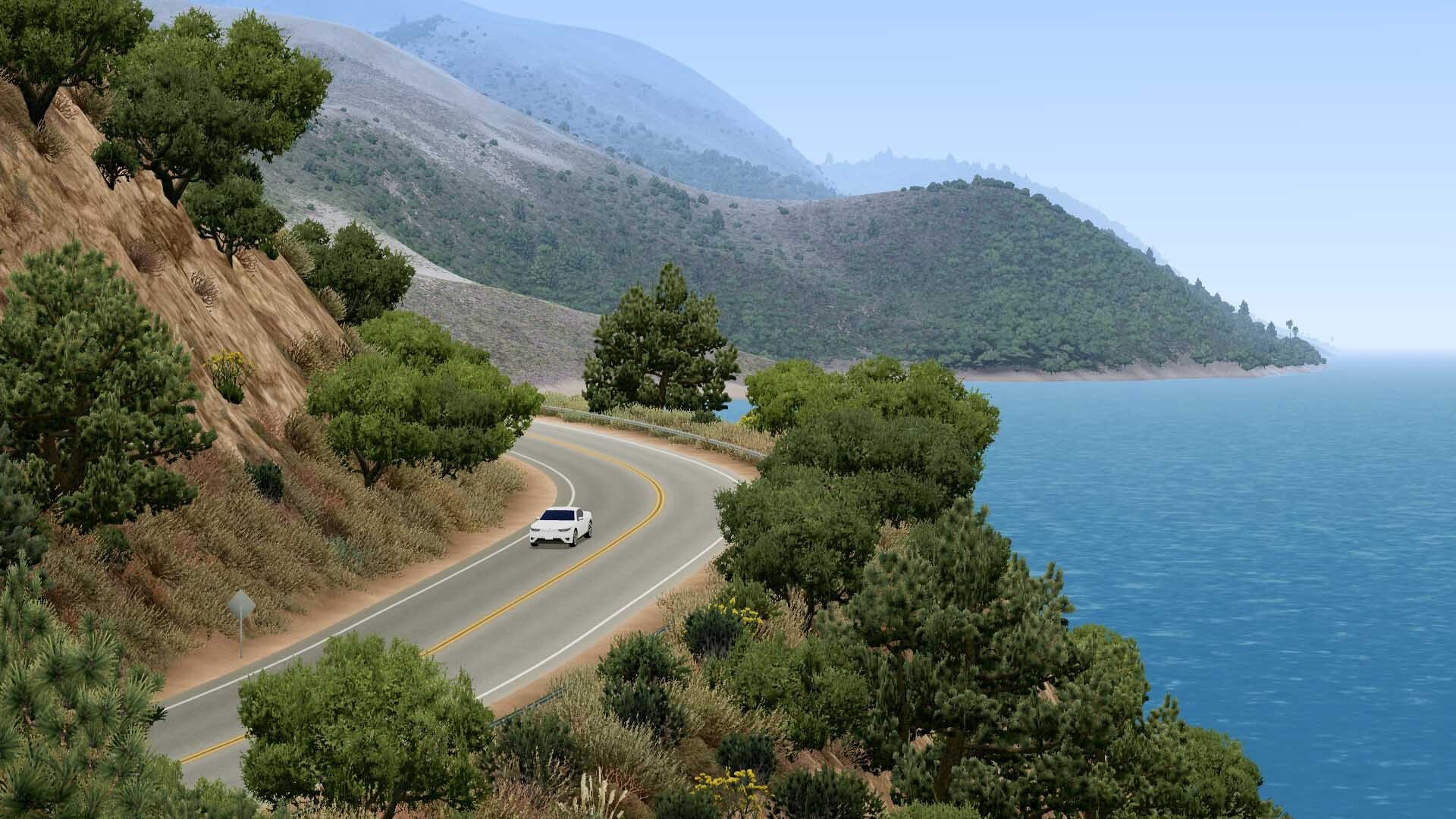
| World | Location (Hills or Off-world in the free web version; Steam adds a California coast location), plus road type: Normal, Winding, Straight or Casual |
| Style | Season (spring, summer, autumn, winter), time of day (sunrise, midday, sunset, night) and weather |
| Vehicle | Which vehicle you drive and which drivetrain it runs |
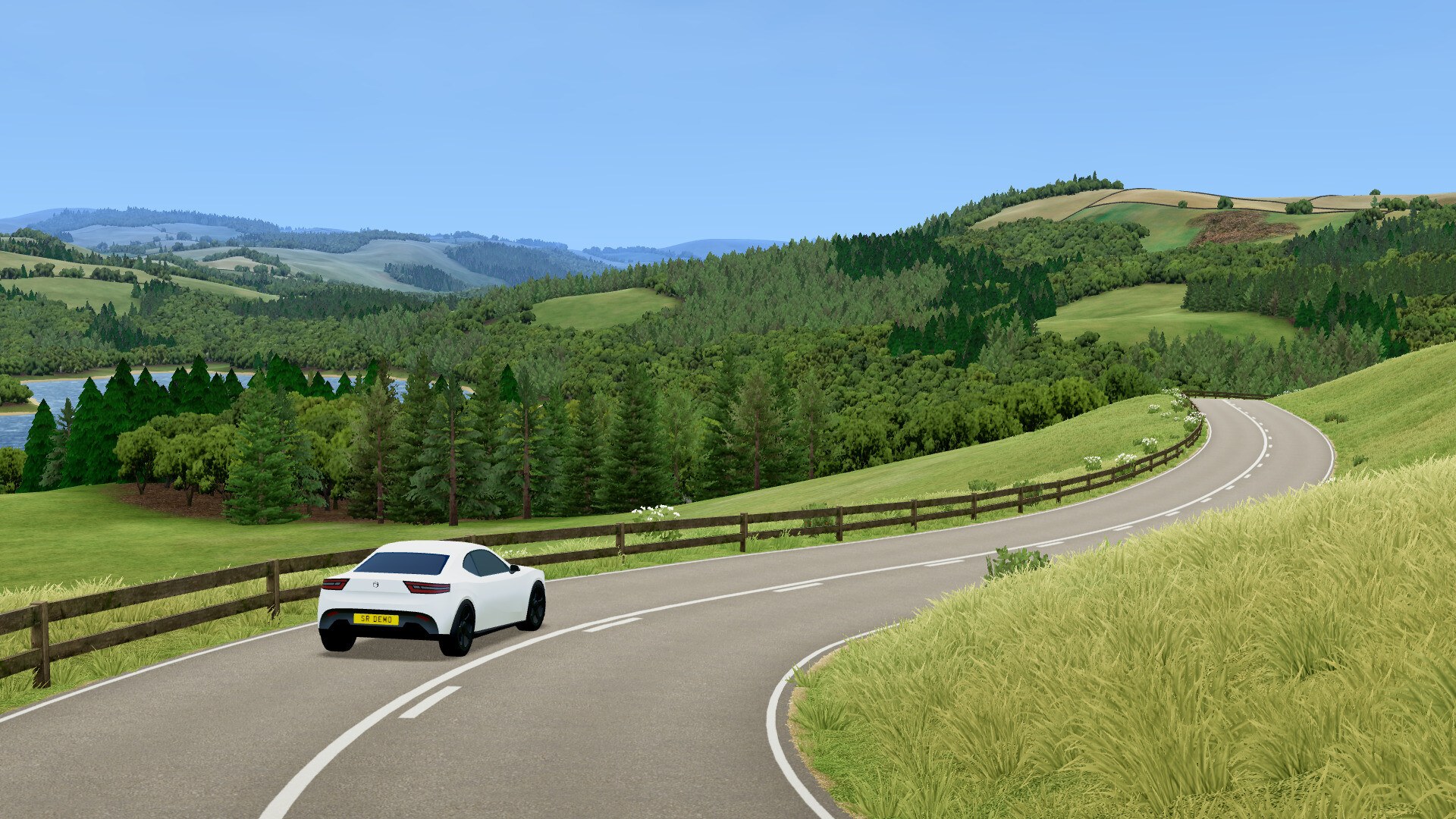
Hills is the British countryside look — the developer's notes put it on the hilly Peak District, and the road furniture reads as UK country lanes. Off-world swaps in alien terrain and skies, and its textures come from NASA Perseverance imagery according to the official attribution list. Winter is the season that changes handling most: snow cuts grip, and the drifted.com walkthrough suggests lowering the grip factor slightly and picking all-wheel drive if traction becomes a problem. The Casual road type removes the barriers, which is the fastest single change you can make toward a calmer drive.
Settings That Actually Change the Drive
The settings menu is deeper than the minimalist UI suggests. Gameplay settings include road width (from single-track up to wide highways), steer assist, one-pedal driving, speed factor and grip factor, plus auto-drive behaviour, wheel rotation range, seat position and side, and a choice of km/h or mph. Graphics settings cover view distance and detail, both of which go up to Ultra, along with camera smoothing and vertical field of view. Audio has separate sliders for master volume, ambient sound, wind, engine, brakes, tyre roll, tyre screech and collisions. Your profile tracks total distance travelled and total time spent driving.
- Road width and grip factor are the two dials that change difficulty most, because narrow roads with low grip punish every input.
- Speed factor scales the pace of the whole game; lowering it is the documented way to make a run calmer.
- Wheel rotation range sets how much steering lock you have, which matters for big drift entries.
- Auto-drive hands steering and speed to the AI, and it is genuinely useful for learning where the road wants you to brake.
- On weaker machines, reduce view distance and detail in the Graphics tab before touching anything else.
A First Session, Step by Step
- Open the settings cog at the bottom right and set road width, grip factor and speed factor before you drive anywhere.
- Move the mouse to the bottom-left corner to reveal the World tab, then pick a location and a road type.
- Switch to Style and choose a season, a time of day and a weather setting.
- Open Vehicle and pick a vehicle plus a drivetrain — rear-wheel drive for fun, all-wheel drive for grip.
- Start gently. Left-click and drag to look around, then press C to cycle back through the default camera views.
- If you leave the road or get stuck, press R to reset the vehicle. There is no damage and no fail state.
- Check the Profile panel for distance and time; that is the only progress the game tracks.
A Relaxing Run, or a Deliberately Hard One
Both ends of the difficulty curve live in the same settings. For a calm drive, the drifted.com guide suggests Casual roads with wider road width and higher grip, rear- or all-wheel drive, a lower speed factor, and sunrise or sunset in spring or autumn. For a hard one, use narrow road width with Winding roads, rear-wheel drive and winter snow — and if that is still too easy, take the bus onto the tight lanes, raise the speed factor and set a high cruise-control speed.
Web Version, Steam Version, and What Changed
The free browser version at slowroads.io is still running and still ad-free. The developer says it will keep receiving small updates but will stay "a more minimal representation of the game," and that sales on Steam fund that. The paid Steam release is the fuller build. Steam-exclusive features listed by the developer include:
- Extra locations, beginning with the California coast
- New road styles, including off-road trails
- New vehicles, beginning with a hatch and a sports car
- Vehicle customisation for both style and physics tuning
- Combustion engines and manual transmission as options on any vehicle
- Configurable traffic modes — density, speed and which lane traffic uses
- A music interface for playing local files or public radio streams
- Improved scenery detail and high-definition assets, plus profiles and milestone achievements
One caveat if you are following older videos: a widely watched October 2022 walkthrough states that the game must be played on a PC and cannot be played on a phone. That was accurate at the time, but mobile and touchscreen support was added in web version 2.0 in January 2025, so it no longer applies.
FAQ
- How do you actually play Slow Roads?
- Pick a world and a vehicle, then drive. The bottom-left corner of the screen holds three tabs — World (location and road type), Style (season, time of day, weather) and Vehicle (which vehicle and which drivetrain). After that it is just steering, because there is no finish line, timer or score.
- What are the default Slow Roads controls?
- Keyboard is the default: W or Up to accelerate, S or Down to brake and reverse, A and D to steer, Left Shift for boost, Space for a momentary handbrake and B to toggle it, R to reset the vehicle, C to change camera, E and Q for next and previous scene, and F and J for auto-drive and cruise control. Every key can be remapped in the Controls settings.
- Is there a goal, a score or a way to fail?
- No. The Steam page says there are no objectives, challenges or distractions, and the only progress the game tracks is lifetime distance and driving time in your profile. Crashing costs you momentum and nothing else, and R resets the vehicle if you get stuck.
- Does Slow Roads need a powerful PC?
- No. The Steam minimum is Windows 10 with a 2.2 GHz dual-core Intel Core i5, 8 GB of RAM and integrated graphics such as Intel UHD 630 or Vega 7, using 600 MB of storage. On weaker hardware the documented fix is lowering view distance and detail in Graphics settings, and the free web version runs in a browser with the same dials.
- What does the Steam version add over the free web version?
- The developer's feature list includes extra locations beginning with the California coast, new road styles including off-road trails, new vehicles such as the hatch and sports car, vehicle customisation and tuning, combustion engines with manual transmission, configurable traffic, a music interface for local files or radio streams, high-definition assets and milestone achievements.
References
- Slow Roads — official site (web version, changelog and roadmap)
- Slow Roads on Steam — store page and app details (appid 3431300)
- Slow Roads: tl;dr — anslo (the developer's own technical write-up)
- Slow Roads advanced tips and controls — drifted.com
- Going Fast down the Slow Roads — YouTube walkthrough
Facts on this page are compiled from the references above. Items marked "to confirm" are single-source and not yet verified.