
Slow Roads · Vehicles · Q&A
Slow Roads How To Change Car — Vehicle Menu and Drivetrain Options
Slow Roads how to change car: where the vehicle menu sits, the full vehicle roster, the three drivetrains and how engine and customisation options work.
How to Change Your Car in Slow Roads
The direct answer: reveal the bottom-left tabs, open Vehicle, and choose both a vehicle and a drivetrain. There is no garage, no purchase and no unlock requirement — the drifted.com guide is explicit that the game has no money system or unlockable upgrades and that everything is available from the start, so "changing car" is a menu action rather than a progression step.
| Version | Where you change it | What the sources document |
|---|---|---|
| Free web version | Vehicle tab in the bottom-left corner of the screen | Three tabs — World, Style and Vehicle — with the Vehicle tab holding your ride and drivetrain choice |
| Free web version (embedded portals) | Setup screen before or during play | The igre.games entry describes selecting your vehicle and environment settings as step two of starting the game |
| Steam release | Vehicle tab, plus the in-game tuning UI | Full controller support, configurable traffic and a vehicle tuning interface accessed with the spanner while in the Vehicle dashboard |
A practical sequence if this is your first time in the menu:
- Move the mouse to the bottom-left corner of the screen so the three tabs appear.
- Open Vehicle and pick a body — car, bus or bike in the free version, with the hatch and sports car added on Steam.
- Choose a drivetrain: all-wheel drive for grip, front-wheel drive for a safer understeer bias, rear-wheel drive for a tail-happy rear end.
- Close the menu and give it a few corners before deciding, because the handling difference between vehicles is larger than any single setting.
- On Steam, click the spanner in the Vehicle dashboard if you want to change the engine type or reach the visual customisation options.
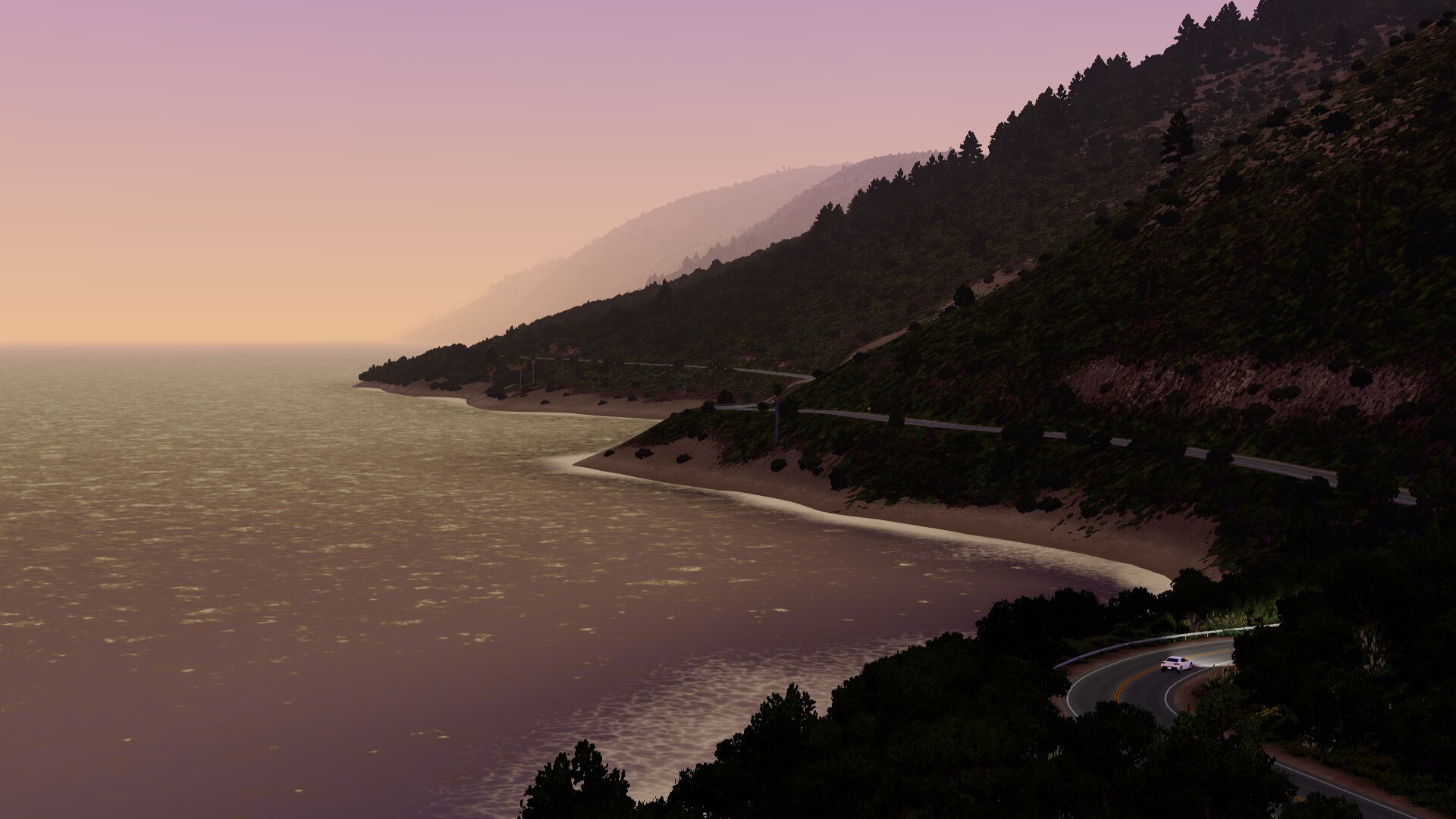
Every Vehicle in the Game
The roster is deliberately small, and each vehicle is a different experience rather than a stat upgrade.
| Vehicle | Availability | How it drives |
|---|---|---|
| Car (default electric car) | Web version and Steam | The default minimalist EV; the drifted.com guide calls it clean, simple and well suited to most situations |
| Bus / coach | Web version and Steam | Tall, wide and heavy, making narrow lanes and tight roads challenging — and rewarding — to thread |
| Motorbike | Web version and Steam | Slim, aerodynamic and fast, with handling that is quite different from the others; cannot be set to rear-wheel drive |
| Hatch (rally hatchback) | Steam | Listed among the Steam-exclusive vehicles; the store page frames it as the rallying option |
| Sports car | Steam | Listed among the Steam-exclusive vehicles; the store page describes kissing each apex with it |
Two details worth knowing before you pick: the 2.4.0 web update added functional dashboards and improved interiors to all vehicles and gave different vehicles slightly different motor sounds, so the cockpit view is now vehicle-specific; and the 1.0.1 patch notes removed unused or duplicated vehicles from the profile display, which is a display cleanup rather than a roster change.
Drivetrains, Engines and Customisation
Drivetrain is chosen in the same Vehicle tab as the body, and it changes handling more than any cosmetic option.
| Drivetrain | Documented behaviour | When to pick it |
|---|---|---|
| AWD | Best overall grip and stability, ideal when you are struggling for traction in snow or on off-road terrain | Winter, Off-world, or any narrow road where you just want to arrive |
| FWD | A safer understeer bias that enthusiasts tend to find less exciting | Learning a new road type, or when you want the car to feel predictable |
| RWD | A tail-happy rear end that is much more fun but harder and somewhat unpredictable on slippery surfaces | Drifting and deliberately difficult runs; unavailable on the motorbike |
A few things are worth knowing before you commit to a choice:
- Switching costs nothing, so the fastest way to learn the roster is to run the same road in each vehicle and compare.
- The motorbike's drivetrain menu is shorter than the others, because rear-wheel drive is not available on it.
- On low-grip surfaces the drivetrain matters more than the body, which is why winter and Off-world favour all-wheel drive.
- Engine and transmission choice exist on Steam only; the free web version stays electric.
- The developer's roadmap lists new vehicles as a continuing goal, so treat the current roster as a snapshot rather than the finished list.
Engine and appearance sit behind the same menu on the paid release. The Steam page lists vehicle customisation with controls over colours, wheels, plates, engines and handling, and states that any vehicle's engine can be electric or combustion, with the latter offering manual or automatic transmission. The official site lists combustion engines and manual transmission as Steam-exclusive features, so the free web version stays electric-only.
That combination is why the honest answer to "can you change cars" is yes, but with a version caveat: the free web build gives you three vehicles and three drivetrains, while the Steam build gives you five vehicles, engine swaps, transmission choice and a tuning interface — and per the developer's roadmap, more vehicles are still planned for future updates.
FAQ
- How do you change cars in Slow Roads?
- Move your mouse to the bottom-left corner of the screen to reveal the three tabs, then open Vehicle and pick your ride plus a drivetrain. You can switch at any time — there is no cost, no unlock and no garage to visit, because the game has no money system or upgrade tree.
- How many vehicles are in Slow Roads?
- The free web version has three: a minimalist electric car, a large coach or bus, and a futuristic motorbike. The Steam release adds the hatch and the sports car, and the developer lists new vehicles as an ongoing roadmap goal.
- Can you change cars while driving?
- Yes. The Vehicle tab stays available from the in-game screen, so switching is a menu action rather than something gated to a start screen. The same applies to the World and Style tabs, which is why a single session can hold several different drives.
- Can the motorbike be rear-wheel drive?
- No. The drifted.com guide notes that, unlike the other vehicles, the motorbike cannot be set to rear-wheel drive, so your drivetrain choice there is limited to the remaining options.
- Where do you change the engine type on Steam?
- In the vehicle tuning interface rather than the system settings. The 1.0.1 patch notes state that the engine preference option was removed from System settings and that engine type is now changed by clicking the spanner while in the Vehicle dashboard.
References
- Slow Roads — official site (Steam-exclusive vehicle list)
- Slow Roads on Steam — store page and app details (appid 3431300)
- Slow Roads advanced tips (vehicle list and drivetrain options) — drifted.com
- Slow Roads – play endless driving online (basic setup steps) — igre.games
Facts on this page are compiled from the references above. Items marked "to confirm" are single-source and not yet verified.