
Superhero Simulator · Systems · Page
Superhero Simulator Mods
How superhero simulator mods work through the Steam Workshop: subscribing, finding installed suits in game, what creators upload and what is still missing.
Superhero Simulator mods are distributed through the Steam Workshop, and the game ships with a working Workshop hub that hosts character and suit mods. The short answer is that you subscribe to an item on the Workshop, then equip it from the suits tab in the wardrobe back at your apartment. The system is aimed at cosmetics rather than gameplay overhauls, and almost everything currently published is a hero skin.
How Mods Work in Superhero Simulator
The Workshop hub for the game is titled Superhero Simulator Character Mods, and its description spells out the intended flow: if you subscribed to the mod via Steam Workshop, all you need to do is enter the game and use the mod you want from the suits tab in your wardrobe at home. That means mods are installed for you by Steam and applied at the in-game wardrobe rather than through a file-drop folder. The hub is backed by a developer-provided document linked from the Workshop page, and the Workshop keeps its own discussion and about tabs alongside the item list.
Installing a Workshop Mod Step by Step
The install path is the same for every published item, because the Workshop handles the installation and the game handles the placement.
- Open the Superhero Simulator Workshop page and find an item you want.
- Click Subscribe so Steam installs and tracks the item against your account.
- Launch the game and go to your apartment.
- Open the wardrobe and switch to the suits tab.
- Select the subscribed mod to apply its character or suit look.
- Unsubscribe on the Workshop page to remove it from your wardrobe later.
Because everything is tied to your Steam account, the installed files follow your library rather than sitting in a separate mod folder you have to manage by hand.
What Modders Are Actually Making
The visible Workshop catalogue leans hard into superhero and anime crossovers, and a handful of creators dominate the list. Most items showed as having not enough ratings at the time of writing, which fits a Workshop that only opened alongside the game and is still filling up.
| Workshop item | Creator | Type |
|---|---|---|
| invincible | Zaeboy Davis | Character skin |
| Omni / OMNI MAN | hebelehubele and others | Character skin |
| Homelander v2 / New Homelander | hebelehubele | Character skin |
| Goku | hebelehubele | Character skin |
| Spiderman | hebelehubele | Character skin |
| Batman | hebelehubele | Character skin |
| Genos | DEADK1NG | Character skin |
| Captain Marvel | Brina | Character skin |
| Black Panther | hebelehubele | Character skin |
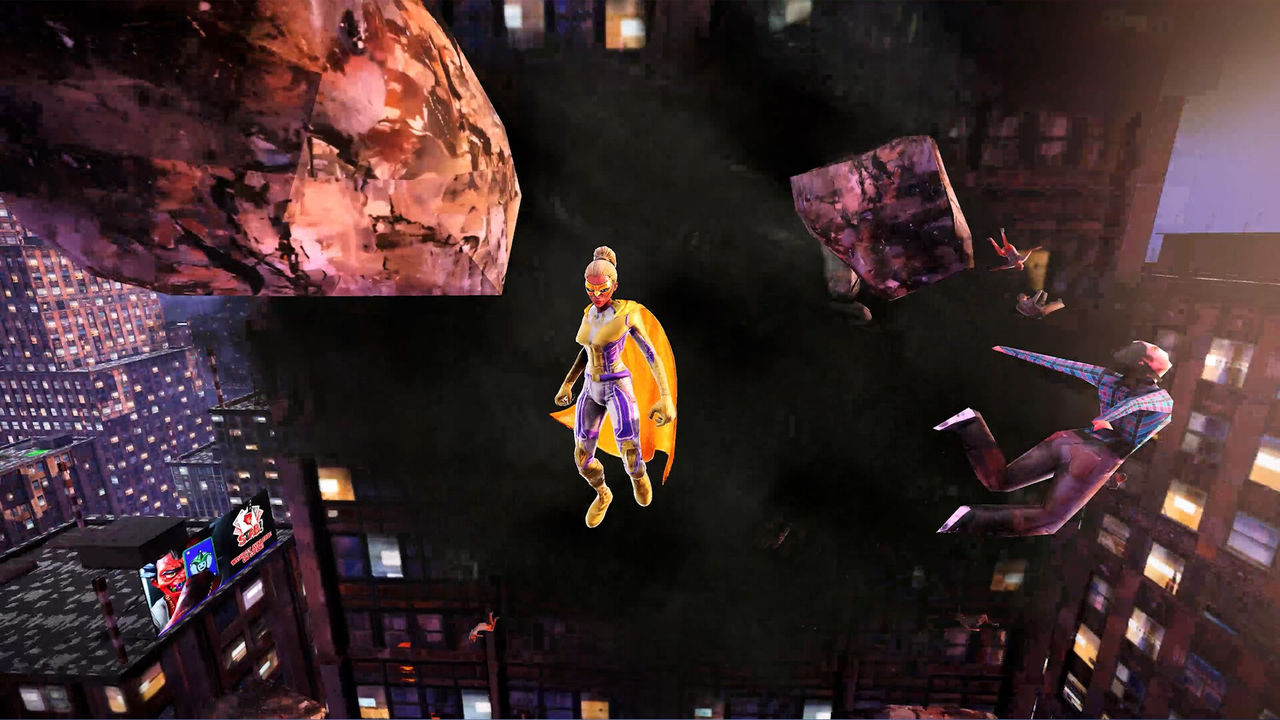
The pattern is consistent: mods reuse the suit system that already exists in the game, so they appear as wearable outfits rather than new powers or new missions. If you want to know which in-game costume options exist without mods, the character creation page covers the base wardrobe.
What Is Not Documented Yet
Two limits are worth knowing before you plan a mod-heavy playthrough. First, no official Nexus Mods page for this game is documented; the only Superhero Simulator entry found on that site was an image filed under Batman: Arkham Knight, which belongs to a different game entirely, so that listing should not be treated as a mod source. Second, a Steam forum thread titled Custom Character Modding is NOT FREE, together with the developer document linked from the Workshop, implies that building a brand-new character from scratch needs more than a suit swap, though the exact tooling is to confirm.
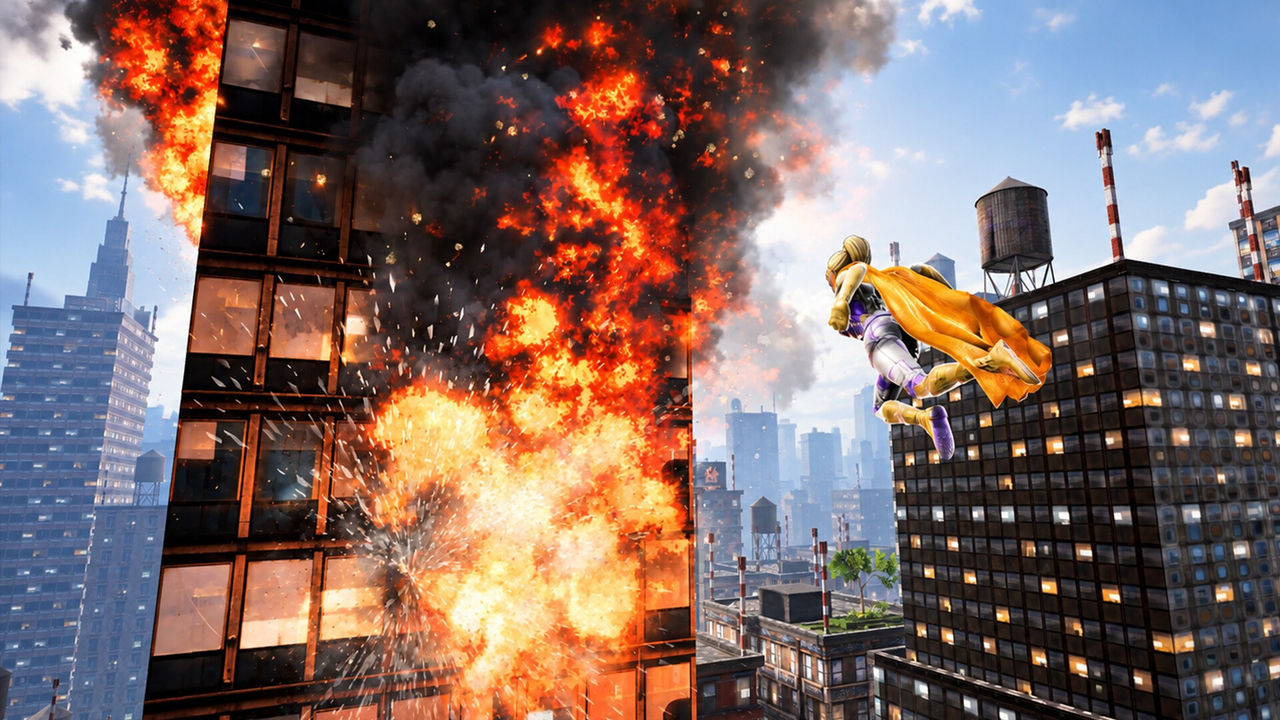
There is also no evidence of gameplay, balance or quality-of-life mods on the Workshop at this point, which matters because the most requested changes from players, such as remapping powers off the hotbar, are not the kind of thing a suit mod can deliver. If performance or controls are your worry rather than looks, the Steam Deck page and the controls page are the relevant reads.
FAQ
- Where do you get Superhero Simulator mods?
- From the Steam Workshop, which has a dedicated hub for the game. The Workshop landing page hosts character and suit mods, and the Workshop also carries a separate discussion and about tab for the app.
- How do you install a Superhero Simulator mod?
- Subscribe to the item on the Steam Workshop, then open the game and pick the mod from the suits tab in the wardrobe at your home. The official Workshop description states that no manual file copying is required once you have subscribed.
- What kinds of mods are on the Workshop?
- Almost all of the visible items are character and suit skins that replace your hero look, including Invincible, Omni-Man, Homelander, Goku, Spider-Man, Batman, Captain Marvel, Genos and Black Panther variants.
- Does Superhero Simulator use Nexus Mods?
- No official Nexus page for this game is documented. The only Superhero Simulator listing found on Nexus Mods was an image posted under Batman: Arkham Knight, which is a different game, so treat the Steam Workshop as the only confirmed channel. The status of a Nexus release is to confirm.
- Are mods free?
- Workshop subscriptions themselves cost nothing beyond owning the game, but a Steam forum thread titled "Custom Character Modding is NOT FREE" and the developer-supplied modding document suggest creating entirely new characters is a more involved process than swapping a suit. Treat the exact tooling requirements as to confirm.
More in Systems
More systems pages in Superhero Simulator.
Superhero Simulator Free Flight
PageSuperhero simulator free flight is the open-sky movement separate from the timed super flight boost, and it is the part players rate most highly.
Superhero Simulator Steam Deck
PageSuperhero simulator steam deck status is Unsupported, and the developer confirms no handheld version exists, though the game runs on desktop Linux via Proton.
References
- The Steam Workshop for Superhero Simulator
- Superhero Simulator on Steam
- Superhero Simulator General Discussions
- mightyraccoon! Studios official site
Facts on this page are compiled from the references above. Items marked "to confirm" are single-source and not yet verified.