
I Know a Guy: Shady Life Simulator · Quests & Characters · Page
I Know A Guy Shady Life Simulator Red Phone Orders — Where the Ingredients Are
I Know A Guy Shady Life Simulator red phone orders: how the PC tab unlocks with the 30 Bitcoin upgrade, where ingredients are listed and what is unclear.
Short Answer: Where Red Phone Order Ingredients Come From
The ingredients for red phone orders are listed inside the red phone tab on the back-room PC, and that tab only appears once you have bought the 30 bitcoin upgrade. That single sentence is the answer most players needed, and it comes from the community thread devoted to the question, where the original poster asked where to find the ingredients for the red phone and another player replied with the unlock condition. A developer later replied in the same thread saying they might add notes, in response to a player asking for a popup that points out where the ingredients are.
What the thread does not contain is a recipe list. Nobody in the captured replies names the individual ingredients, the quantities, or the payout for a completed order, so those stay unconfirmed here.

How the Tab Unlocks
| Requirement | Detail | Evidence status |
|---|---|---|
| Back-room PC | The order tab lives on the same computer used for the dark web marketplace | Community thread |
| 30 bitcoin upgrade | Buying the upgrade adds a new tab to the PC | Community thread, developer replied in thread |
| Ingredients list | The ingredient list for the red phone is shown in that tab | Community thread |
| Delivery | The dark web flow is the same as other favors: order, then hand the item to the courier | Official store page plus playthrough logs (to confirm for this specific job) |
The order of operations, as the thread describes it:
- Gather Bitcoin from shady favors before chasing the upgrade, since the unlock is a Bitcoin purchase rather than a cash purchase.
- Open the back-room computer and buy the 30 bitcoin upgrade.
- Look for the new tab alongside the existing marketplace tabs.
- Read the ingredient list inside that tab before buying anything else.
- Fulfill the order through the normal courier route at the back door.

Why the Tab Feels Broken
A second, separate problem shows up in the same thread: the tab itself is hard to click. The player who provided the unlock answer added that they had trouble interacting with it and had to click on very specific spots on the tab. That is a UI hitbox issue rather than a game progression issue, so if the tab appears unresponsive, change where you click before assuming the unlock failed.
A quick diagnostic list:
- Confirm the upgrade purchase actually completed, then reload the PC screen.
- Click the edges and corners of the tab label rather than the center.
- Switch to another tab and back — players report the sibling tabs behaving normally.
- If the whole PC feels unresponsive during a quest conversation, move away, let the conversation end, then interact with the computer again.
Red Phone, Red Phone Orders, and What Is Still Unclear
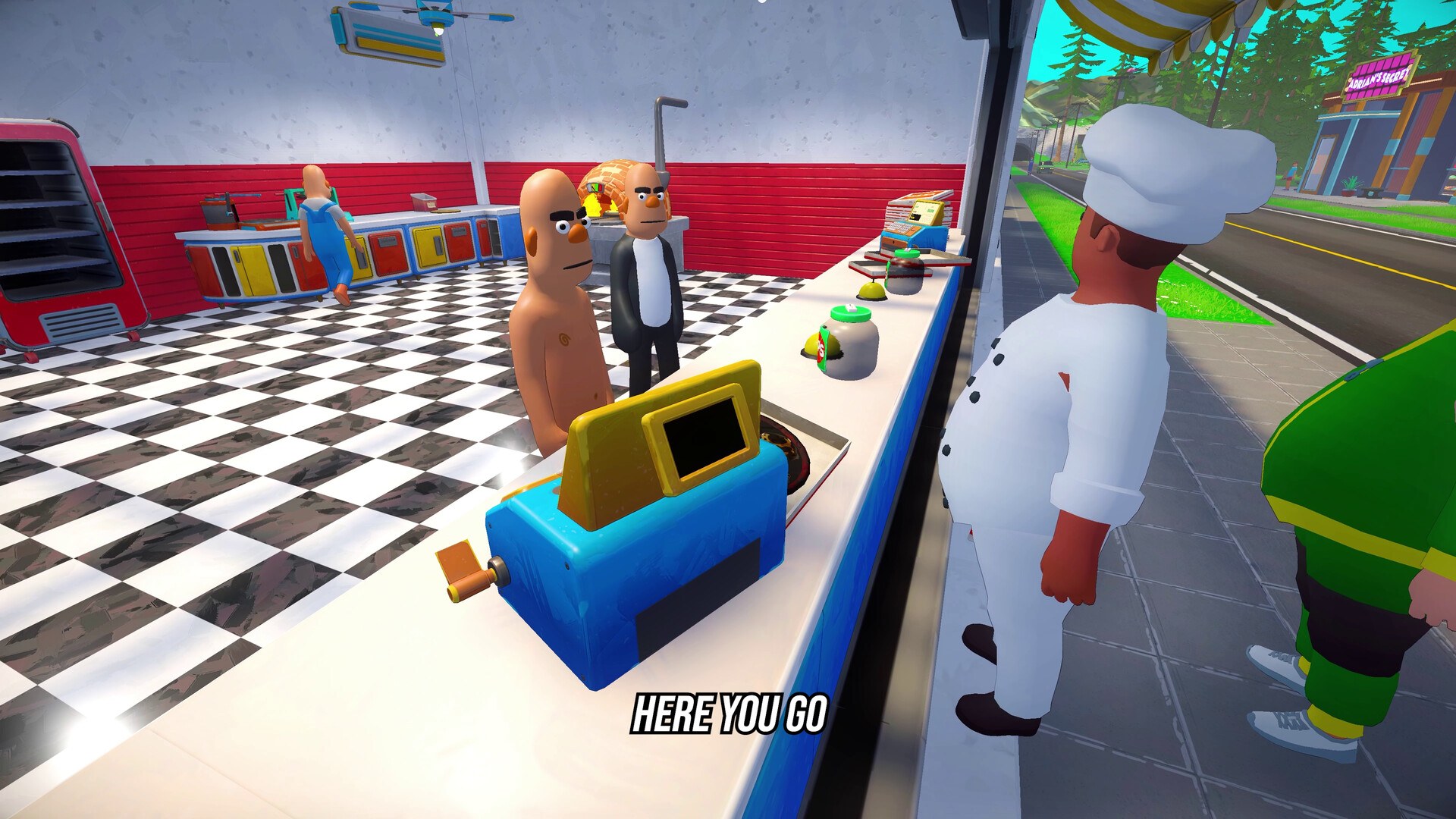
Two things are worth separating, because the search results mix them. The first is the red phone order tab on the PC, which is documented. The second is the red phone object at the door, which a playthrough log shows a player asking about without getting an answer in that session. Nothing in the sources used here explains what the door phone does, whether it is a call-in mechanic for new jobs, or whether it becomes active later in the story.
| Question | Status |
|---|---|
| How to unlock red phone orders | Answered: the 30 bitcoin upgrade adds the tab |
| Where the ingredients are | Answered: inside that tab |
| Full ingredient list and quantities | Not documented in any source used here |
| What completed red phone orders pay | Not documented |
| What the red phone at the door does | Unclear; only a player question exists |
This is one of the few systems where the developer has acknowledged the guidance gap in public. Their reply commits only to possibly adding notes, so until that ships, the community thread remains the best available explanation and the game's own tab is the only authoritative ingredient list.
FAQ
- Where do you find the ingredients for red phone orders?
- The ingredient list is inside the red phone order tab on the back-room PC. A community answer states that the tab becomes available after you buy the 30 bitcoin upgrade, and that is where the ingredients for the red phone are shown.
- Why can I not click the red phone tab?
- Players report the tab being finicky to click, requiring clicks on very specific spots rather than anywhere on the tab. If clicking fails, aim at the edges of the tab label instead of the middle.
- What does the red phone at the door do?
- A playthrough log shows the player asking what the red phone at the door is for and not getting an answer in that session, so its exact role is still unclear. The order tab on the PC is the documented part of the system.
- How much does the 30 bitcoin upgrade cost, and is it Bitcoin or cash?
- Community wording calls it the 30 bitcoin upgrade, which means the unlock is bought with Bitcoin rather than shop cash. The exact conversion rate is not documented, so treat any figure you see elsewhere as unverified.
- Are the developers going to make the ingredient location clearer?
- They replied in the thread that they might add some notes, after a player suggested a popup pointing out where the ingredients are. As of the patches covered here, no such popup has been confirmed.
More in Quests & Characters
More quests & characters pages in I Know a Guy: Shady Life Simulator.
References
- Red Phone Orders :: I Know a Guy: Shady Life Simulator General Discussions
- I Know a Guy: Shady Life Simulator General Discussions
- I Know a Guy: Shady Life Simulator — Steam store page
- I Played 100% of Shady Life Simulator — YouTube playthrough subtitles
Facts on this page are compiled from the references above. Items marked "to confirm" are single-source and not yet verified.